
5 Tips to Extend Printer Head Lifespan and Reduce Costs with DTF Machines for Screen Printing Shops
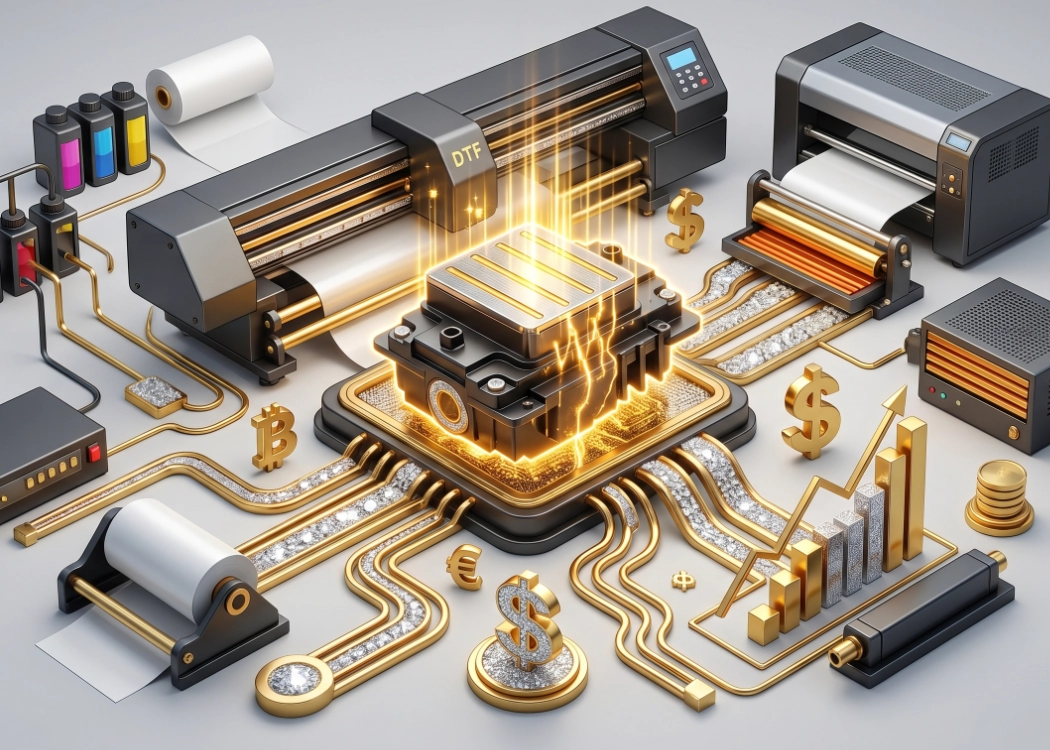
In an era where the fashion apparel and teamwear industries are rapidly growing, screen printing shops must adapt and incorporate new technologies. DTF (Direct to Film) printing has emerged as a game-changer in the industry, offering sharp, vibrant prints that can be transferred to any fabric without the need for traditional silk screens. However, amidst this convenience, business owners are well aware that the printhead is the critical and most expensive component of a DTF printer.
Blocked printheads, ink clogs, or premature printhead failure are nightmares that can lead to significant repair costs, part replacements, and lost business opportunities. Therefore, proper maintenance of DTF printers is crucial and should not be overlooked. This article delves into five essential practices to extend the lifespan of DTF printheads, ensuring long-term investment value and continuous production of high-quality work.
1. Regularly Shake and Ensure White Ink Circulation System is Always Active
The secret and simultaneously the main issue in a DTF system is “white ink.” White ink contains titanium dioxide particles, which are heavier than CMYK ink particles. If left undisturbed, these particles will settle quickly.
When ink settles and enters the ink delivery system, it can immediately clog the nozzles of the printhead. Therefore, the first step is to:
Shake the white ink tank daily: Before starting each day’s printing, gently shake the white ink tank to ensure proper mixing.
Check the WIMS (White Ink Management System): Industrial DTF printers often have an automatic stirring and circulation system for white ink. Regularly check that the stirring motor and circulation pump are functioning correctly and that the ink lines are free of sediment. Neglecting this system is a shortcut to replacing the printhead.
2. Clean the Capping Station and Wiper Blade Thoroughly
Many focus on the printhead while neglecting the equally important small components: the Capping Station and Wiper Blade. The Capping Station acts like a lid covering the printhead when the printer is idle, creating a vacuum to prevent ink from drying. If the rubber edges of the Capping Station are clogged with dried ink, it will not seal properly, allowing air to seep in.
The Wiper Blade cleans ink residue from the printhead surface. If the blade is dirty or stiff, instead of cleaning, it can damage the printhead surface.
Maintenance: After work each day, use a specialized DTF ink cleaning solution to clean the rubber edges of the Capping Station and the Wiper Blade gently. Do not allow ink clumps to form.
3. Perform Nozzle Checks and Print Regularly (Keep the Ink Flowing)
The fundamental principle of all inkjet printers, including DTF printers, is that “printheads are designed to print.” Leaving the printer idle for long periods is the primary cause of clogs.
Nozzle Check Print: Before starting each day’s printing, print a nozzle check to ensure all ink nozzles are functioning at 100%. If there are missing lines, immediately perform a cleaning. Do not attempt to print actual work as this can ruin the job and waste film.
Even without orders, print: On days with no orders, open the printer and print small patterns or CMYK+White test strips. This keeps the ink in the system circulating, making it a worthwhile investment to maintain the printhead.
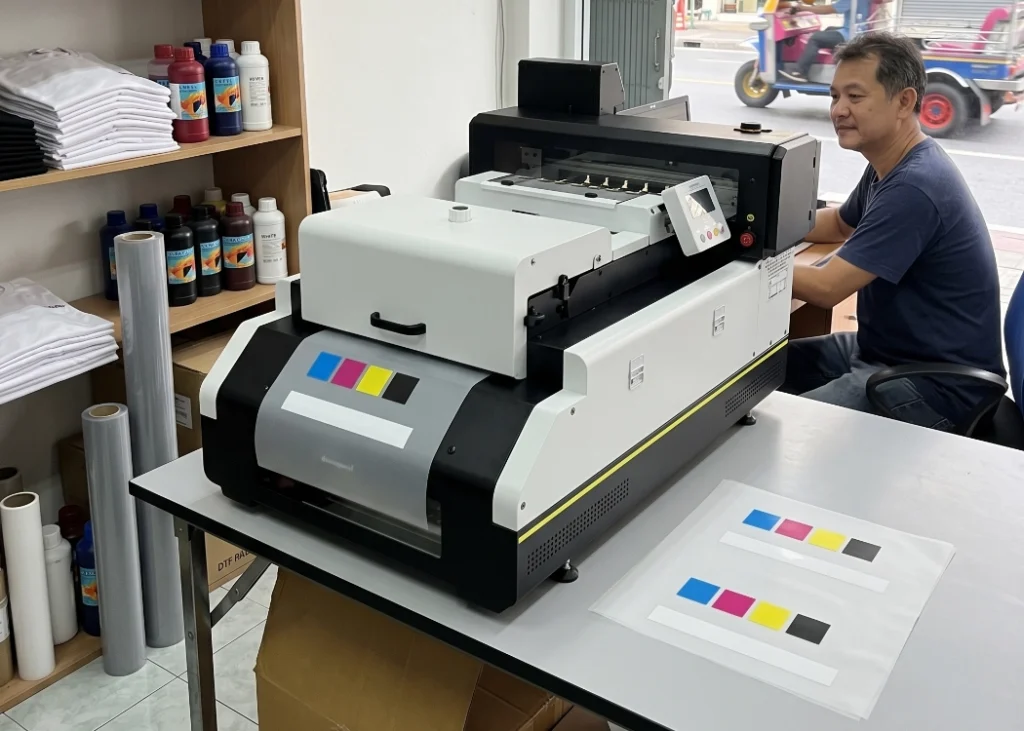
4. Control Room Temperature and Humidity
Environmental conditions significantly affect DTF ink chemistry and the drying process of adhesive. Temperature and humidity levels impact printhead clogging.
Temperature: The working room should be maintained at approximately 20-25°C. Higher temperatures can cause ink to dry quickly and clog the printhead.
Relative Humidity: Maintain humidity levels between 40-60%. Lower humidity (dry air) can accelerate ink drying at the printhead tip. Installing air conditioning and humidity/temperature monitors in the workspace is standard for leading screen printing companies.
5. Proper Shutdown Procedures (Wet Capping / Flushing)
During long holidays or extended downtime, simply turning off the printer is a significant risk.
Short-term Shutdown (1-3 days): Before turning off the printer, apply a cleaning solution to the Capping Station to keep the printhead surface moist, preventing ink from drying and clogging.
Long-term Shutdown (more than one week): Consider performing a flush by removing ink from the tanks and lines, then replacing it with a cleaning solution. Clean until the solution coming out of the printhead is clear. This clears all ink residue from the system, allowing you to store the printer for extended periods without damaging the printhead.
Ready to Print Custom DTF with Screen168 Bangkok?
Single pieces to bulk wholesale. Free artwork file check and instant online pricing 24/7.
🚀 View Sizes, Prices & Order Online→