
Designing Fine Line Patterns for Durable DTF Printing
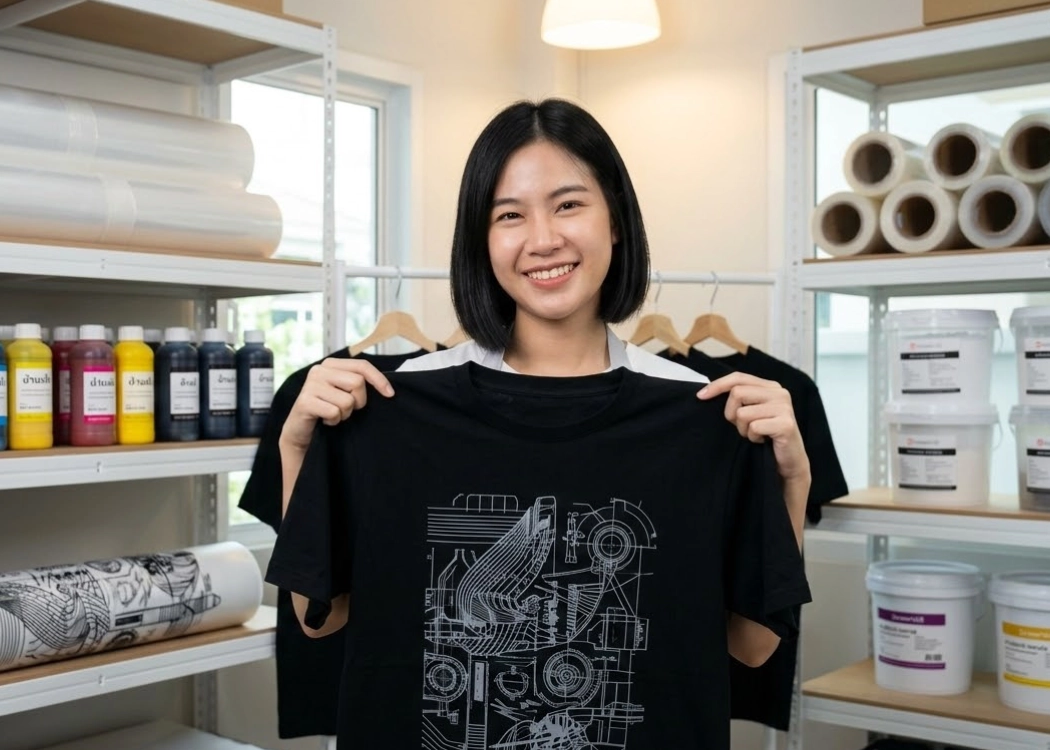
Understanding DTF T-Shirt Printing
DTF (Direct to Film) printing has become the primary choice in the T-shirt printing industry due to its ability to handle small quantities, unlimited color options, and high detail. However, despite the high resolution of new printers like the i3200, there are physical limitations that designers and brand owners must understand, particularly when dealing with fine lines or extremely thin fonts, to ensure that the print is both beautiful and durable on fabric.
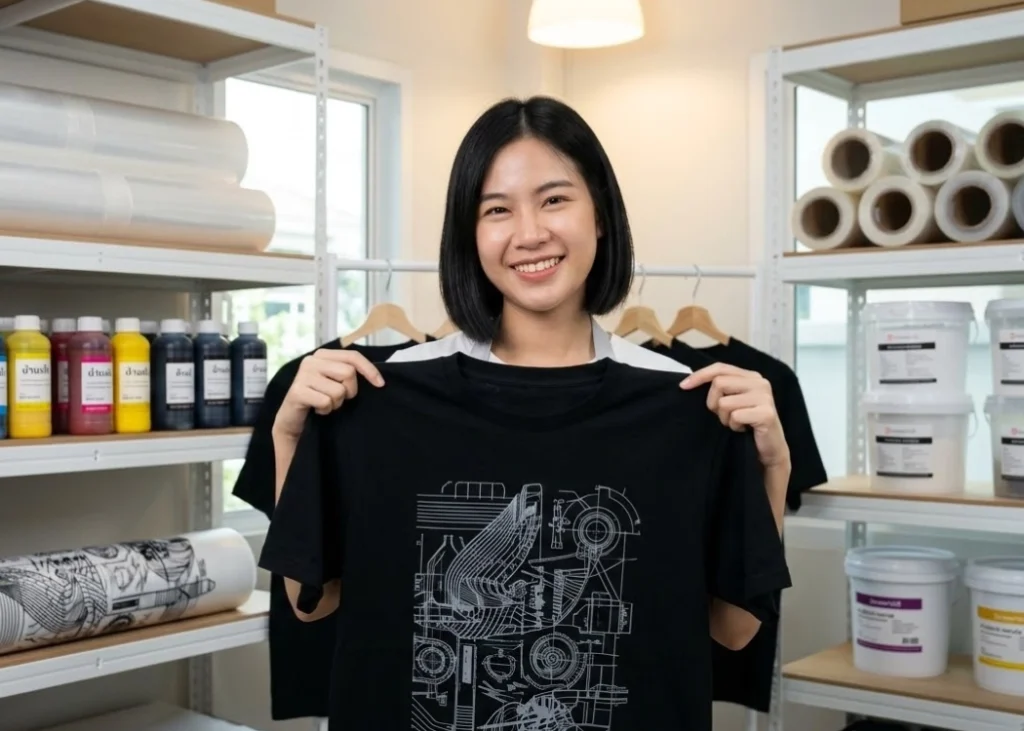
Understanding the Limitations of Adhesive and White Ink in DTF Printing
The core difference between DTF printing and paper printing lies in the use of white ink underbase sprayed on the back and covered with hot-melt adhesive powder. If your design lines are too thin for the white ink to adhere properly or if the area is too small for the adhesive to hold, the lines may not stick to the fabric or may only stick temporarily and peel off after a few washes. The safest line thickness for DTF design should be no less than 0.5 millimeters, or approximately 2 to 3 pixels. If the lines are thinner, the risk of white ink not adhering or adhesive not sticking increases significantly, leading to incomplete or missing screen prints.
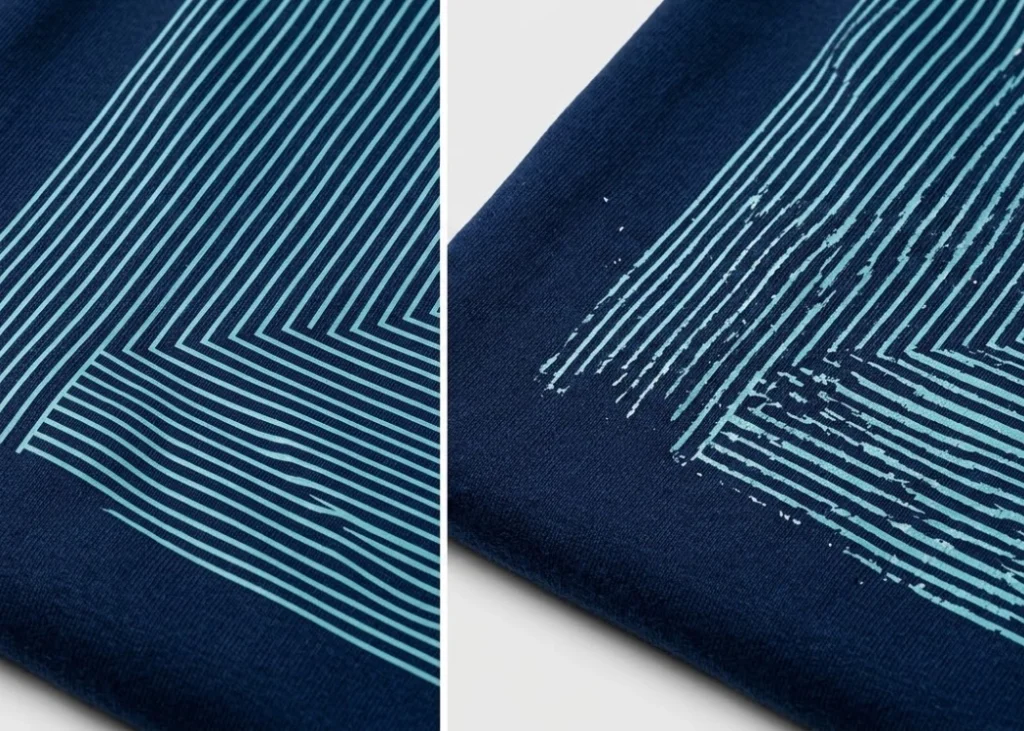
Blurring Edges and Speckles in Extremely Thin Lines
When the file details are smaller than the printer’s limitations, the print head tries to spray ink at the pixel positions received. However, due to the liquid nature of ink, when sprayed on a smooth film, small ink droplets may not adhere properly or may spread out, causing the edges of small lines to appear blurry or speckled. To address this, start with file preparation. If you use raster or pixel image files, the resolution must always be 300 DPI at actual size to ensure that the edges of small lines have enough pixel density for the RIP software to accurately process the white ink application.
Caution When Selecting Fonts and Spacing
Choosing fonts can be a significant pitfall for designers. Serif fonts with very thin points or tails, as well as script fonts with thin, delicate lines, often face issues in DTF printing if the font size is too small. The tails of letters may disappear during the film transfer process. A solution is to slightly increase the stroke thickness to meet the safe line thickness criteria. Proper spacing is equally important; if letters are too close together, the white ink and adhesive may flow together, causing the spaces between letters to fill in, resulting in an unorganized and misshapen print.
Techniques for Adding Stroke to Enhance Adhesion
For unavoidable designs with extremely thin lines, a technique used by professional printers is to create a stroke or outline in the same color as the garment or a matching color behind the design to provide additional adhesion area for the white ink and adhesive. This technique ensures that the design appears thin while the underlying structure is strong enough to adhere to the fabric fibers. Additionally, designing small lines to connect with larger areas can enhance adhesion, reducing the risk of peeling from the ends of thin lines.
Fabric Texture and Impact on Small Details
The fabric type significantly affects the printing of fine lines. If you print on fabric with thick fibers or a rough surface, such as cotton 20 or fish-scale fabric, very thin lines may sink into the fabric’s texture or be pushed away by the fibers, causing the design to break. In contrast, fine fabrics like cotton 32 or comp fabric can better accommodate small details. Before printing, consider the fabric type; if it is too rough, adjust the line thickness slightly above the standard to prevent the intended design details from being destroyed by the fabric’s surface.
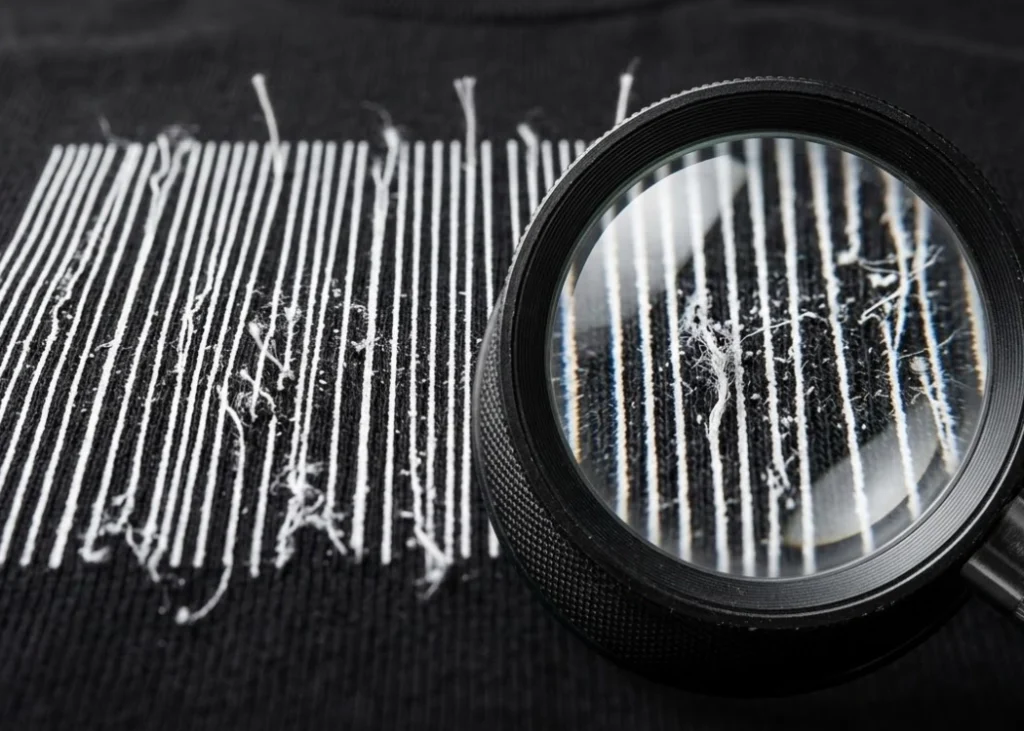
Checking Files at 100% Zoom
Before sending files to the printer, the easiest technique is to open the file at actual size and zoom in to 100 to 200 percent. If you see any lines that appear faint or nearly invisible on the screen, it is a warning sign that these lines may have issues during actual printing. Checking color values is also crucial; lighter-colored thin lines have less ink density, making it harder for the white ink underbase to work properly. Increasing the color intensity or adjusting the color to be more opaque will help small lines show up clearly.
Summary of Design Preparation for DTF Printing
Designing fine lines for DTF printing is an art of balancing aesthetic design with technical feasibility. Understanding the line thickness limitation of at least 0.5 millimeters, selecting appropriate fonts, and preparing high-resolution files will help reduce errors and printing costs.
Ready to Print Custom DTF with Screen168 Bangkok?
Single pieces to bulk wholesale. Free artwork file check and instant online pricing 24/7.
🚀 View Sizes, Prices & Order Online→