
Q&A: Professional DTF Techniques Every Screen Printing Shop Must Know
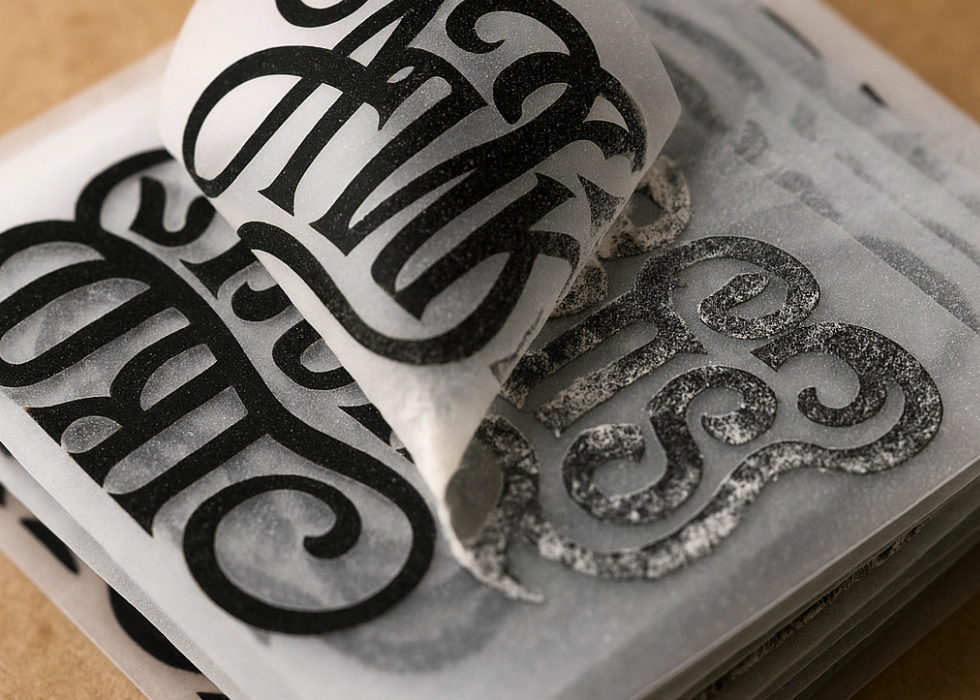
DTF (Direct to Film) is no longer just a system for new screen printing shops but has become the primary printing system for many shops and factories in Thailand because it handles small orders well and the quality is now at a high level. However, to achieve professional screen printing, one must learn technical details such as ink, humidity, film, adhesive powder, temperature, as well as the behavior of the machine and the environment, all of which affect the quality of the work.

This article will delve into the “real” issues found daily in real shops, along with pinpoint solutions.
1) The Truth About DTF Ink: Why Some Shops Have Ink Clogging Issues, While Others Don’t
Answer:
DTF ink is not the same across all brands and differs in three crucial factors.
1.1 Viscosity
The thicker the white ink, the higher the risk of clogging. Shops in air-conditioned rooms or in low temperatures will find the ink thicker.
Solution:
Set room temperature to 27–30°C
Shake the ink before refilling
Use a white circulation system
1.2 Pigment Size
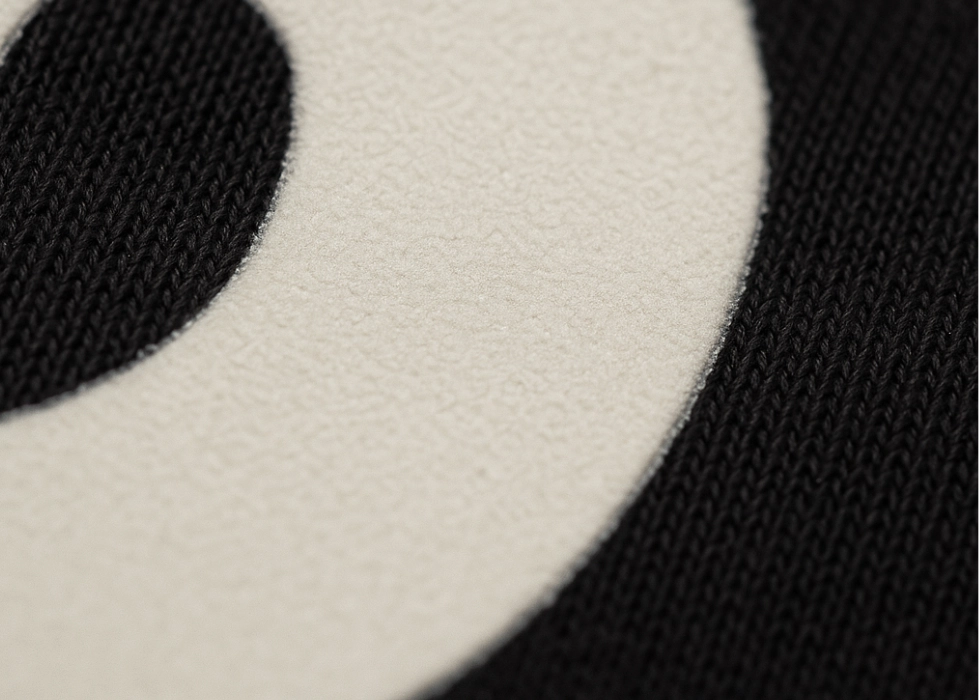
Some brands of white ink have larger pigment particles, making it harder to spray as a fine mist, leading to easier clogging and issues with the white layer seeping. High-quality brands have smaller and more stable pigment particles but are more expensive.
1.3 Anti-settling Agents
Inks are not designed the same way. Shops with sediment issues in white ink often use cheaper ink or leave it open for long periods.
It is recommended to “shake the white tank daily before use,” even if there is a circulation system.
2) Is Humidity the Number One Enemy of DTF Work?
Answer:
Absolutely, 100%
Humidity affects every step, impacting the film. A wet film = ink does not form into particles, resulting in grainy spots, blurry edges, and dull colors.
Moreover, humidity also affects the adhesive powder. For example, powder absorbing moisture = uneven melting, leading to bubbles, excess adhesive, or an uneven surface.
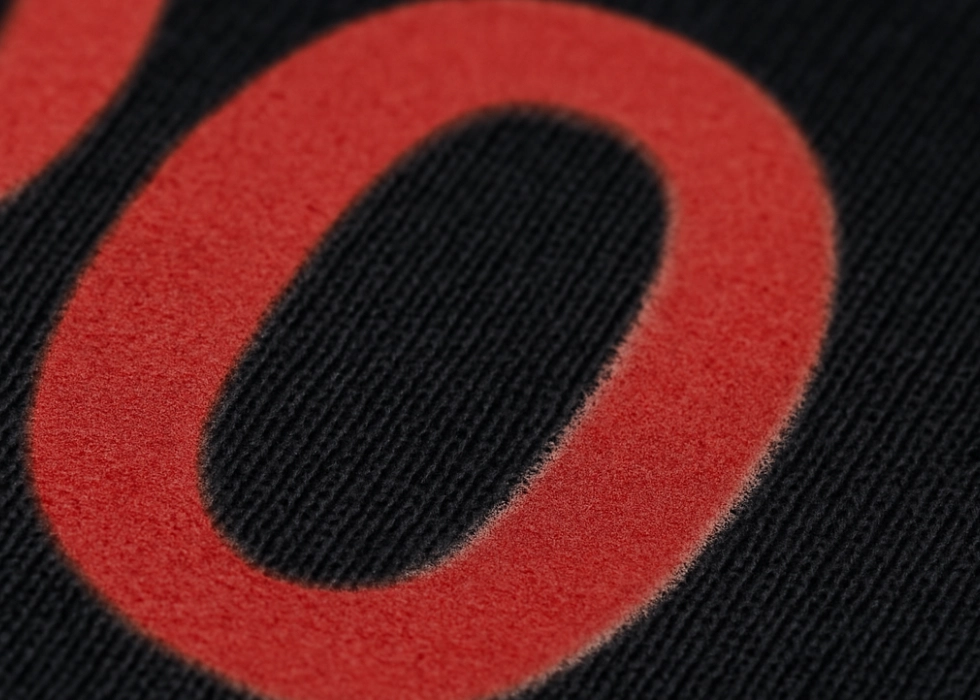
Additionally, it affects the ironing process.
Wet shirts = poor bonding of adhesive or design peeling after washing 2-3 times.
Recommended humidity levels:
High-quality work: 45–55% RH, should not exceed 65%. Shops in coastal or southern regions should have dehumidifiers running 24/7.
3) How do matte film, glossy film, cold peel, and hot peel differ fundamentally?
Answer:
It’s not just about “matte looks better” or “hot peel is faster,” but each type has a different coating structure.
Matte Anti-scratch Film: A thin and even coating layer, ink adheres well, colors are clear, fewer raised or matte patterns, highest quality printing.
Disadvantage: More expensive.
Glossy Film: A thick coating layer, suitable for general use, easy to work with.
Disadvantage: Risk of glare, colors may look vivid but not as smooth as matte.
Cold Peel Film: High durability, easy quality control, sharpest patterns.
Hot/Warm Peel Film: Faster peeling time, suitable for large volume work.
Disadvantage: Requires precise temperature control, if peeled too hot, the work may have residue or incomplete adhesive removal.
4) How to identify good adhesive powder at a professional level
Answer:
Different adhesive powders are visible even if they are all labeled as TPU.
Look at these 4 factors:
4.1 Uniformity of Granules
Adhesive powder with mixed granule sizes will result in uneven adhesion, causing bumps, and uneven thickness.
4.2 Melting Point
Good quality should melt evenly at 100–120°C, if lower grade, higher temperature is needed, resulting in hard patterns, yellowing, and rough surface.
4.3 Clarity after Melting
Good quality will be clear and uniform, in contrast, low-quality will be cloudy and hard.
4.4 Quality after Washing
Premium adhesive powder helps patterns not crack, peel off, or dull after multiple washes.
5) Setting White Layer Deeply: Why do some shops have over-white, while others have under-white?
Answer:
The White Layer is crucial in DTF as it determines sharpness, vividness, thickness, and fine line adhesion. However, improper settings can affect t-shirt printing.
5.1 Problems with Excessive White
Over-white bleeding, hard patterns, ink doesn’t dry, making patterns smudgy, adhesive layer too thick.
5.2 Problems with Insufficient White
Transparent colors, base shirt color shows through, patterns fade after a few washes.
5.3 White Layer Values to Adjust in RIP Software
Generally, use CMYK: 70–90% White: 140–180% (depending on RIP), but it depends more on the machine and ink, requiring testing at each shop.
6) Color Calibration: Why the Colors on the Shirt Don’t Match the Screen
Answer:
DTF is a system where colors can easily be off due to ink, film, powder adhesive, and temperature.
Professional shops must follow these 3 steps:
Step 1: Calibrate the screen
Use SpyderX or X-Rite; if not calibrated, even referencing ICC won’t match.
Step 2: Use the ICC profile for the machine/ink
Most ICC profiles that come with the machine are not 100% accurate. Shops that need precise colors must hire someone to create ICC profiles or use a RIP that allows manual adjustments.
Step 3: Test colors under actual room conditions
DTF colors can be off when humidity is high, temperature changes, ink is nearing its expiration date, or film brand changes. Large shops must test every time there is a change in equipment.
7) Why Do Some Shops Have Powdered Adhesive Even When the Temperature Is Correct?
Answer:
The temperature reading may be correct, but the “actual condition” might not be.
This is because the real cause might be adhesive absorbing moisture, film being damp, the oven not heating evenly, insufficient drying time, too much ink, causing the adhesive to not melt evenly.
What professional shops should do for testing:
Measure the actual oven temperature with an IR thermometer. If the oven heats with circulating air, check the hot and cold spots. Ensure the adhesive melts into a single mass without overheating.
8) Why Do Some Shops Have a Strong Adhesion After Ironing, While Others Have Blurry Edges?
Answer:
This is due to “heat transfer” rather than the temperature reading.
Key factors include the thickness of the ironing plate, worn-out foam or mat, uneven pressure, and overly thick shirts, causing the adhesive to not reach the melting point. Ironing for too short a time can also cause issues.
How to check if the heat is sufficient: Look for the complete melting of the adhesive particles. After peeling off the film, there should be no areas that are missing or open. Professional shops will iron again (final press) to ensure maximum wash durability.
9) What Are the Deeper Causes of Blurry Edges?
Answer:
Blurred edges are caused by 6 factors, not just the printer. These include film absorbing moisture, ink drying slowly, a blurry white layer, adhesive sticking outside the design, overheating the film during the adhesive process, and file resolution lower than 300 DPI. This problem arises from the “overall condition” rather than a single factor.
10) Is Final Press Really Important?
Answer:
Absolutely crucial. Professional shops never skip this step.
Benefits of Final Press include better adhesion of the glue to the fabric fibers, smoother surface texture, reduced peeling at corners, and increased wash durability by 30–50% on average. Typically, a final press lasts 3–5 seconds at 155–165°C.
11) What Causes DTF Prints to Crack After Washing? (Real Shop Analysis)
Answer:
Cracking is usually due to an overly thick White Layer, excessive glue adhesion, use of low-quality powder glue, overheating the glue to the point of hardness, using low-quality stretchy t-shirts, an uneven film surface, and forgetting the final press. High-quality work requires a balance between ink, glue, and heat.
12) Should a Shop Use a 30 cm or 60 cm Machine? (In-Depth Analysis)
Answer:
A 30 cm (A3) machine is suitable for retail shops handling no more than 200 pieces per day, ideal for beginners.
Pros: Lower investment, easier maintenance. Cons: Lower long-term stability, requires more manual labor (applying glue by hand, manual drying).
A 60 cm Roll to Roll machine is better suited for factories and wholesale shops, those seeking stability.
Pros: Supports Shaker printing, continuous printing, and more consistent quality. Cons: Requires more space and higher maintenance skills.
13) What is a Stable “Work Flow” for a Professional Shop?
Answer:
Professional shops have workflows that address all issues in advance.
Example of a professional shop workflow:
- Turn on machine, shake ink, pass through ink wash.
- Turn on dehumidifier, check film moisture before printing.
- Test white layer lines every morning.
- Print, apply glue, dry glue, QC melting point, press, final press, QC before shipping.
- Store work in moisture-proof zip bags. Shops that follow this complete process have very stable output.
14) What are the “most common mistakes” of new stores
Answer:
Damp film, workspace too hot, white layer misalignment, lack of ink density control, excessive adhesive powder, insufficient heat during the Final Press step, improper storage causing glue to stick together
90% of new stores fail due to “humidity” and “incorrect white layer setup”
Summary
Deep screen printing with DTF involves controlling five main factors in relation to each other: ink, film, adhesive powder, temperature, and humidity. These factors are all interrelated with the work. However, one should not focus solely on individual elements but rather on the overall system, from the environment to storage. This is why some stores have consistently beautiful, stable prints throughout the year, while others have unstable prints even with the same model machine.
Ready to Print Custom DTF with Screen168 Bangkok?
Single pieces to bulk wholesale. Free artwork file check and instant online pricing 24/7.
🚀 View Sizes, Prices & Order Online→