
Why Is Screen Printing with DTF Difficult in the Rain? Understand the Issues and Solutions to Maintain Quality
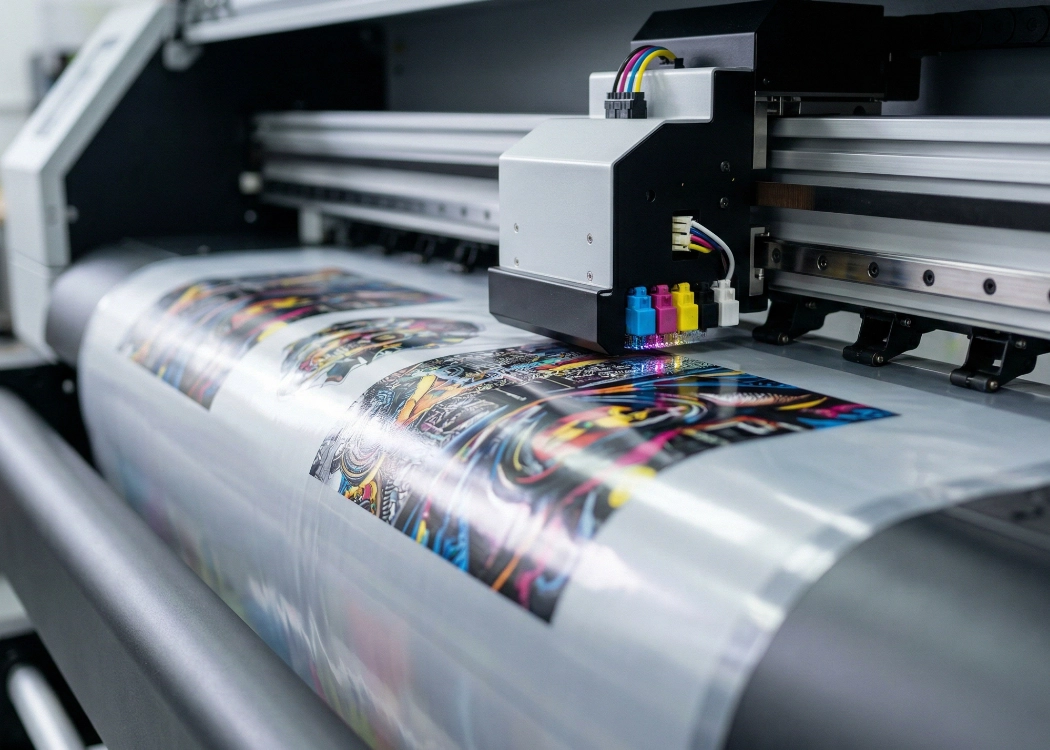
In today’s screen printing industry, it is undeniable that the DTF (Direct to Film) system has become the most popular technology. Its standout features include sharp and vivid printing, unlimited color options, and the ability to transfer designs onto various fabric types such as cotton, polyester, or blended fabrics. However, during the rainy season, many screen printing shops often face unexpected nightmares, such as numerous small issues that disrupt the printing process, increase costs, and waste more time than usual.
This article delves into the real reasons why the humid weather during the rainy season severely impacts the DTF printing process. It addresses concerns and provides solutions to help screen printing shops maintain premium printing standards even on days when the weather is unfavorable.
1. The Main Enemy: “Humidity” and DTF PET Film
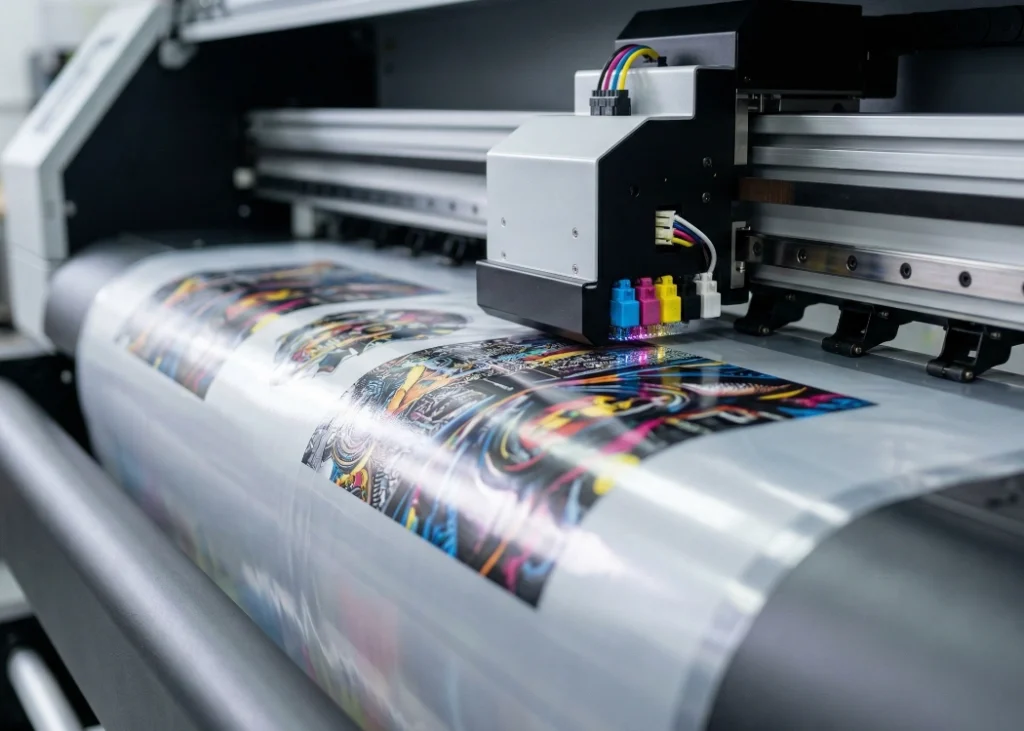
The first issue that directly affects DTF printing during the rainy season is the PET film. These films have a special coating that absorbs ink precisely onto the film. When the relative humidity is high, this coating reacts with the moisture in the air, causing the film to become sticky and difficult to handle.
Impacts:
Film not feeding into the printer: The sticky film makes it hard for the printer rollers to pull the film, leading to film jams or skewed feeding, which ruins the print from the start.
Ink absorption issues: When the film coating retains moisture, ink absorption is compromised. The ink sprayed onto the film does not adhere properly, causing blurred edges or dull colors.
2. Slow Drying of White and Color Inks Leads to “Bleeding” Issues
The DTF printing process starts with printing color ink (CMYK) onto the film, followed by applying white ink as a base. Under normal weather conditions, the ink dries on the film in just a few seconds. However, during the rainy season, with high humidity and cooler temperatures, the ink dries much slower.
Impacts:
White ink mixing with color ink: When the color ink has not yet dried and white ink is printed over it, the ink mixes on the film, causing bleeding or white ink seeping into the front colors, making the screen print look dull and unclear.
Printer contamination: Wet ink on the film can smear the pinch rollers, causing the next film to be contaminated as well.
3. Hot Melt Powder
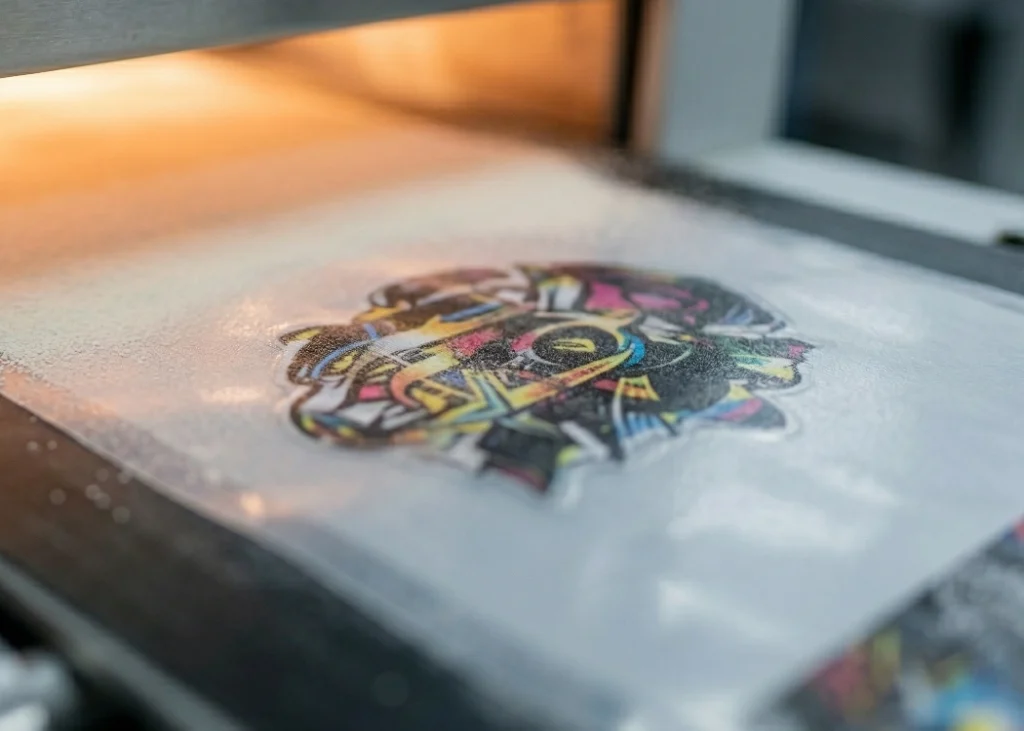
DTF Hot Melt Powder melts when heated and acts as an adhesive between the print and the fabric. These powders are similar to fine flour and have excellent hygroscopic properties. When the powder bag is left open in a humid room, the powder will immediately absorb moisture from the air.
Effects:
Clumping: Moist powder will clump together, causing uneven distribution when sprinkled on the film. Sometimes, the clumps may scratch the wet ink on the film.
Uneven Melting: When the film is put in the curing oven, the moist powder will require more heat and time to melt. If not fully cured, the print will peel off after a few washes when pressed onto the shirt.
4. Clogged Print Heads and Printer Functionality
The frequent changes in humidity and temperature during the rainy season not only affect consumables but also directly impact the DTF printer. The viscosity of DTF ink changes with temperature; when it’s cold, the ink becomes thicker, making the print head work harder to spray the ink.
Moreover, if the environment is too humid, water droplets may form on electronic parts, or conversely, if the air is too dry, it can cause the print head to clog more easily. Special care is required to maintain the printer during this period.
5. Moisture-Trapping Clothes Before Heat Pressing
A common oversight in many screen printing shops is that clothes themselves can trap moisture from the rainy season air. Whether it’s cotton t-shirts or polo shirts, if stored in poorly ventilated areas or in humid rooms, the fabric will retain moisture.
Effects:
When a DTF film is heat pressed onto a moist shirt at temperatures of 150-160 degrees Celsius, the water in the fabric fibers turns into steam immediately. This steam tries to escape between the fabric and the DTF adhesive, preventing the adhesive from fully penetrating and adhering to the fabric fibers.
The result is that the print appears to adhere well initially, but when cooled down or washed, the print starts to bubble, form air pockets, or peel off in sheets.
Dealing with DTF Printing Issues During the Rainy Season
To ensure smooth and high-quality screen printing operations, adjusting the environment and changing work methods are crucial. Here are the guidelines recommended by professional screen printing shops like Screen168 and industry experts:
1. Control Humidity and Temperature in the Workroom
The room used for DTF printing should be a closed system with controlled temperature and humidity.
Install a Dehumidifier: This is an essential item for screen printing shops during the rainy season. Set the relative humidity in the room to approximately 40% - 60%.
Control Temperature: Maintain room temperature between 20°C - 25°C, which is the optimal range for ink and printers to function stably.
2. Proper Storage of PET Film and Adhesive Powder
DTF Film: If not in use, store it in a tightly sealed plastic bag.
Adhesive Powder: Seal the bag tightly after each use, or transfer it to a vacuum-sealed plastic container. If the powder becomes damp, expose it to direct sunlight or dry it with low heat before use.
3. Adjust Printer and Curing Machine Settings
Reduce Print Speed: If the ink dries slowly, set the printer to print at a slower speed or reduce the ink limit slightly to prevent ink smearing.
Increase Curing Time/Heat: If the air is very humid, increase the curing time in the curing machine slightly to ensure the powder adhesive melts completely and no moisture remains.
4. Pre-Press Treatment of Garments Before Actual Pressing
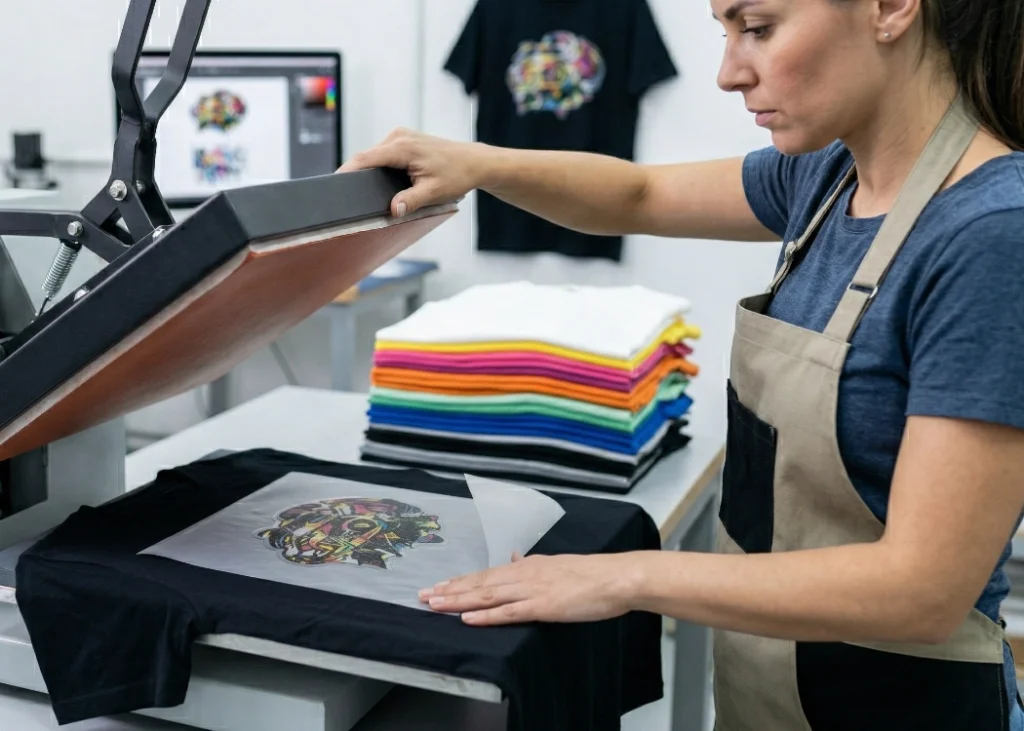
This is a crucial technique to reduce the problem of screen prints peeling off. Before placing the DTF film on the garment, place the blank garment in a heat press and press it with heat for about 3-5 seconds to remove moisture accumulated in the fibers and smooth out the fibers to prepare them for the adhesive. After removing the moisture, place the film and press it as usual.
5. Regular Maintenance of the Printer
During periods of fluctuating weather, it is important to regularly clean the printhead and wiper blade. Check the ink tubes and shake the white ink tank daily to prevent sedimentation and clogged printheads.
Summary
Operating a DTF shirt printing shop during the rainy season is a challenge that tests the professionalism of the screen printer. Humidity is a critical factor that can cause issues ranging from sticky film, smudged ink, clumpy glue, to peeling screen prints. However, with an understanding of the causes and strict environmental control, including the use of dehumidifiers, proper storage of materials, and removing moisture from the shirts before ironing, these problems can be effectively addressed and prevented.
For those looking for a screen printing provider that understands all the issues and prioritizes quality control at every production stage, regardless of weather conditions, collaborating with Screen168 will ensure that every printed shirt you receive is vibrant, clear, and long-lasting, definitely worth the price.
Ready to Print Custom DTF with Screen168 Bangkok?
Single pieces to bulk wholesale. Free artwork file check and instant online pricing 24/7.
🚀 View Sizes, Prices & Order Online→