
How to Maintain Your DTF Printer for Long-lasting Use
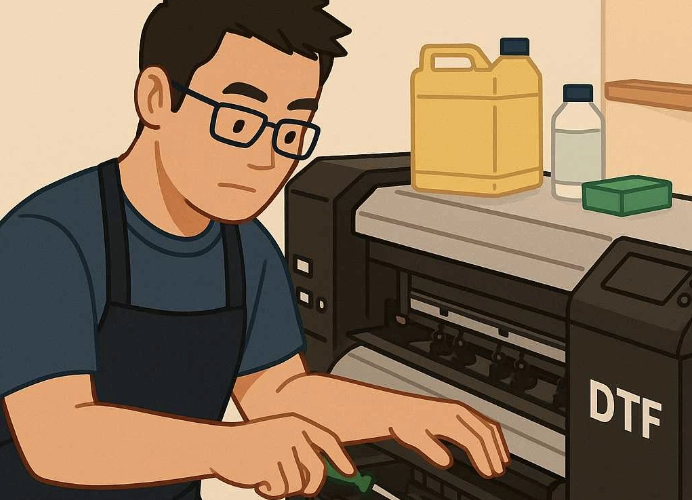
Investing in a DTF (Direct to Film) Printer: A Key Expense for T-Shirt Printing Businesses
Investing in a DTF printer is one of the primary expenses for modern t-shirt printing shops. This system offers high-quality prints with vibrant colors and sharp clarity, and it can print on various fabric types (provided the machine is properly configured). However, if not maintained properly, a DTF printer may deteriorate or develop issues that cause downtime, directly impacting a shop’s revenue and increasing repair costs.
This article will guide all sizes of t-shirt printing shops on how to properly maintain a DTF printer to ensure optimal performance and longevity, enabling efficient t-shirt printing.

Why T-Shirt Printing Shops Must Care for Their DTF Printers
-
Reduce Repair Costs - Proper care helps minimize the frequency of repairs or replacement of expensive parts such as printheads or other components. Sometimes, a damaged printhead cannot be repaired and must be replaced entirely.
-
Maintain Print Quality - If the printer and its accessories are well-maintained, the printhead will also be well-cared for, resulting in clear, vibrant prints without color distortion.
-
Increase Operational Efficiency - The printer is always ready for use, reducing downtime and allowing the shop to continuously accept orders.
-
Extend Lifespan - Well-maintained machines can last for years, making the investment worthwhile. Neglecting maintenance can lead to minor issues escalating into major problems.
Steps to Maintain a DTF Printer for Longevity
- Special Care for the Printhead
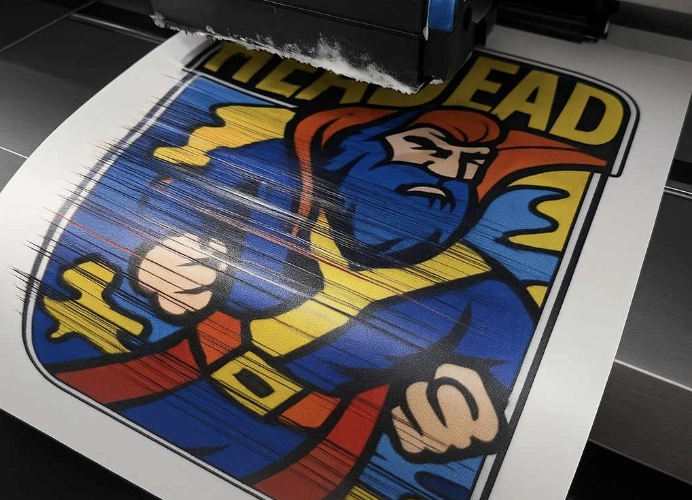
The printhead is the heart of a DTF printer. However, many screen printers may be unsure about how to properly care for it. If it becomes clogged or dry, it can lead to poor ink flow, inconsistent prints, and blurry lines, resulting in defective work. Therefore, the first step should be:
-
Regular Cleaning (Printhead Cleaning) - Use the cleaning menu in the printer’s software.
-
Printhead Moisturizing - If the printer has this feature, use it to prevent the printhead from drying out.
-
Avoid Leaving the Printer Idle for More Than 3 Days - Print test images daily or every other day to keep the ink flowing continuously. If there is no work, print test images yourself to keep the printhead in good condition.
- Check the Ink and Cleaning Solution Systems
-
Monitor Ink Levels - Ensure all ink colors and cleaning solution levels are sufficient and never let them run dry.
-
Shake the White Ink Bottle - Shake it 1-2 times daily to prevent sedimentation, as white ink is highly concentrated.
-
Regularly Drain the Waste Tank - Clean the ink reservoir frequently.
- Clean the Printer’s Exterior
-
Use a Dry or Slightly Damp Cloth - Carefully clean dust from the cover, feed guides, and inside the machine.
-
Avoid Using Harsh Cleaning Agents - Do not use corrosive or highly concentrated alcohol, as it can damage sensors or plastic parts.
- Maintain Film and Paper Feed Systems
-
Store Film in a Dry Place - Avoid direct sunlight to prevent moisture or warping, which can make it difficult to feed into the printer.
-
Check Feed Guides - Ensure they are smooth and free of obstructions before each use.
- Set Appropriate Usage Parameters
-
Do Not Always Use Maximum Resolution - This can strain the printhead. Choose settings that suit the type of work. For less detailed images, lower resolution prints can still produce good results.
-
Reduce DPI - If not printing large or complex images, lower DPI to preserve the printhead.
- Optimize the Environment for the DTF Printer
- Temperature - Maintain room temperature between 22-28 °C.
- Humidity - Keep humidity levels between 40-60%.
- Avoid Dust, Sunlight, and Heat - Protect the printer from direct air conditioning or sunlight, especially during rainy seasons.
Additional Tips for Professional Screen Printing Shops
- Keep Maintenance Records - Document cleaning schedules, ink changes, etc., to plan work effectively and track issues.
-
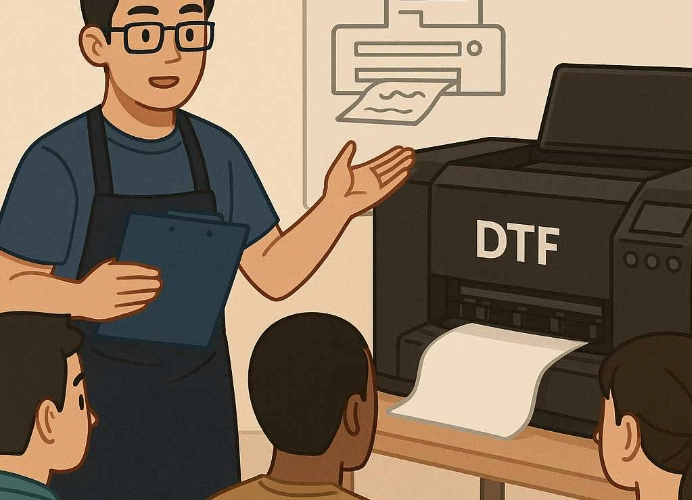
Train Staff - Ensure everyone understands the printer’s system and basic maintenance procedures. This prevents issues from going unnoticed.
-
Do Not Ignore the Manufacturer’s Manual - Even if it seems tedious, the manual provides essential information for setting up and checking systems, preventing long-term issues.
Common Problems If DTF Printers Are Not Maintained
-
Clogged Printhead - Due to infrequent use or forgetting to clean. Print test images daily and clean the printhead regularly.
-
Ink Flow Issues - Caused by dried or sedimented ink. Shake the white ink bottle and avoid using old ink.
-
Film Breakage During Printing - Due to misaligned paper feed or damp film. Check feed guides before printing and store film properly.
-
Color Mismatch - Due to deteriorating printheads or incorrect calibration. Regularly check the printhead and set appropriate color profiles.
In summary, extending the lifespan of a DTF printer requires proper maintenance of the printer and its systems, especially the printhead and ink systems. Neglecting maintenance can impact sales and the shop’s reputation. Regular maintenance, combined with quality printing materials, is crucial for efficient operations.
Good maintenance is not just technical but also involves discipline, thorough checks, and understanding the equipment used daily. This ensures that the work is efficient and of high quality.
Ready to Print Custom DTF with Screen168 Bangkok?
Single pieces to bulk wholesale. Free artwork file check and instant online pricing 24/7.
🚀 View Sizes, Prices & Order Online→