
How to Solve DTF (Hot Melt Powder) Residue and Bleed Issues
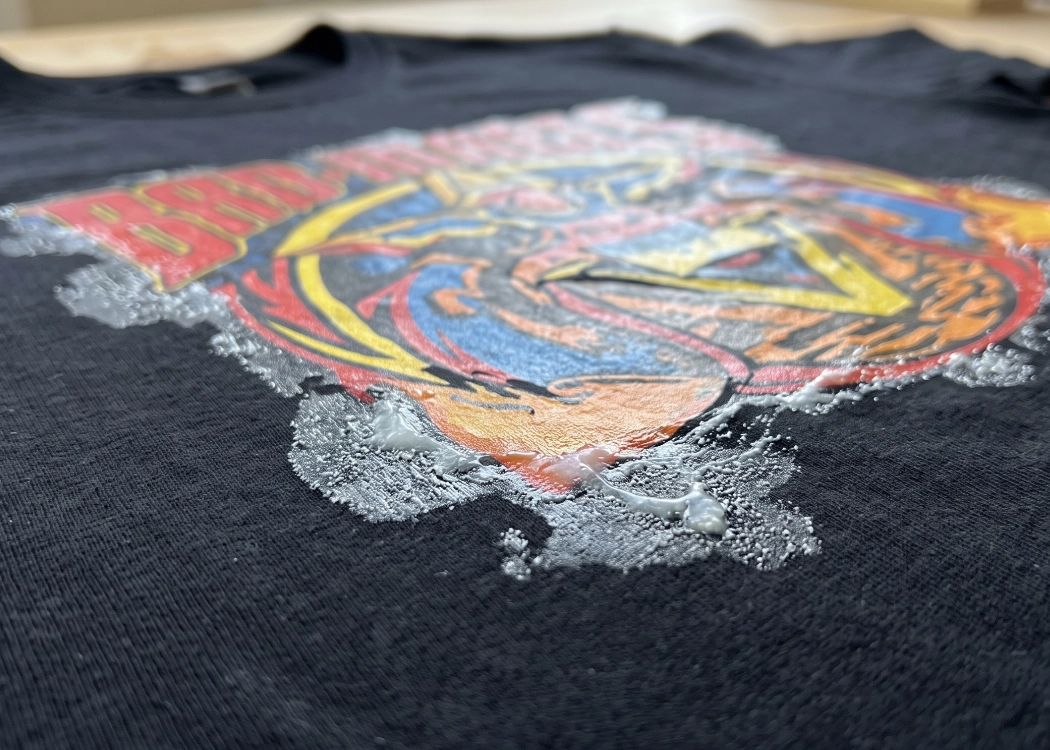
Mastering DTF T-Shirt Printing: Solving Hot Melt Powder Issues
In the world of DTF (Direct to Film) T-shirt printing, the clarity of the design and the quality of the white ink underbase are crucial, but equally important is the management of DTF hot-melt adhesive powder. This powder acts as a bonding agent that helps the ink adhere to the fabric fibers. However, many shops often struggle with two primary issues: “incomplete melting of the adhesive” and “adhesive bleeding around the print edges,” which directly impact the quality of the finished product, making it look less premium and prone to peeling.
This article delves into the causes of these issues and provides precise solutions to help your prints come out perfect, meeting customer expectations at all levels.
Problem 1: Incomplete Melting of DTF Hot Melt Powder (Powder Remains Granular)
When the adhesive does not melt completely, you will notice white, cloudy granules remaining on the film. When this film is heat pressed onto the shirt, the adhesive does not fully adhere to the fabric, causing the print to peel easily when washed. Additionally, the print surface feels rough and not smooth.
Causes and Solutions:
Insufficient Heating Time and Temperature: This is the most common cause. Different grades of DTF hot-melt powder require different levels of heat. Solution: Set the oven temperature to 110-150°C and heat for 2-3 minutes (depending on the oven model and powder). Regularly test to ensure the powder melts completely, becoming clear and glossy, with no granules remaining.
Uneven Heat Distribution in the Oven: If the oven does not heat evenly or if some infrared bulbs are malfunctioning, the powder will not melt uniformly. Solution: Regularly clean and inspect the heating elements in the oven.
Inappropriate Powder Size Selection: Fine powder melts easily and is suitable for fine lines, while coarse powder is better for large solid areas and requires higher heat. Solution: Choose the appropriate powder size that matches the job requirements and the oven’s heating capacity.
Problem 2: Adhesive Bleeding Around Print Edges (Adhesive Spreading Outside the Print Area)
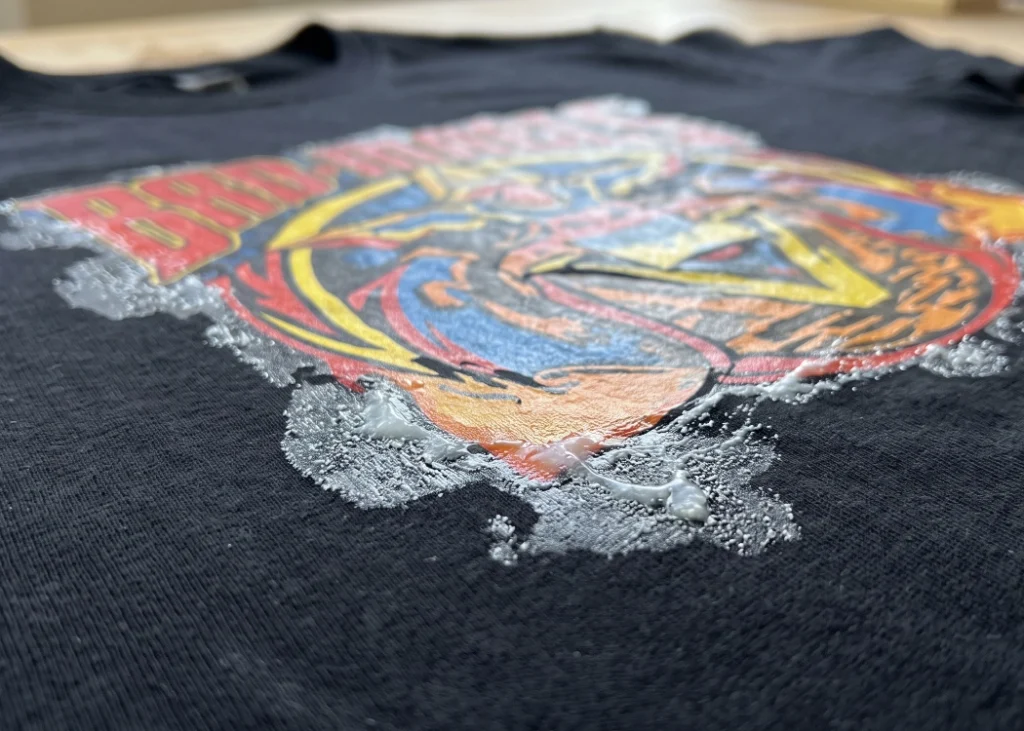
This issue is evident when the print is heat pressed onto the shirt, showing clear adhesive stains or marks around the print edges, making the finished product look dirty and reducing its value significantly.
Causes and Solutions:
Static Electricity: A major enemy in film printing, static electricity on PET film attracts powder to areas without ink. Solution: Ensure that the printer and automatic shaker have proper grounding and consider using additional static eliminators in the workspace.
Inappropriate Humidity Levels: Dry air accelerates static electricity. Solution: Maintain the workspace temperature at 20-25°C and humidity at 40-60% consistently.
Excessive Ink Application: Over-inking can cause the ink to bleed beyond the edges, leading to adhesive spreading. Solution: Adjust the ink limit in the RIP software and set the Choke (ink edge reduction) to 1-2 pixels to prevent white ink from bleeding.
Insufficient Powder Shaking: Manual shaking may not remove excess powder completely. Solution: For automatic shakers, increase the beating or shaking intensity to ensure all excess powder falls off before the film enters the oven.
Conclusion
Hot-melt powder issues in DTF printing are not insurmountable if you understand the environmental factors and the mechanics of your equipment. Regularly observing and adjusting settings for temperature, humidity, and software can help reduce defects, save costs, and ensure your shop delivers high-quality prints that satisfy your customers.
Ready to Print Custom DTF with Screen168 Bangkok?
Single pieces to bulk wholesale. Free artwork file check and instant online pricing 24/7.
🚀 View Sizes, Prices & Order Online→