
DTF Garment Printing on Polyester: In-Depth Look at 'Color Bleeding on Prints' and Prevention
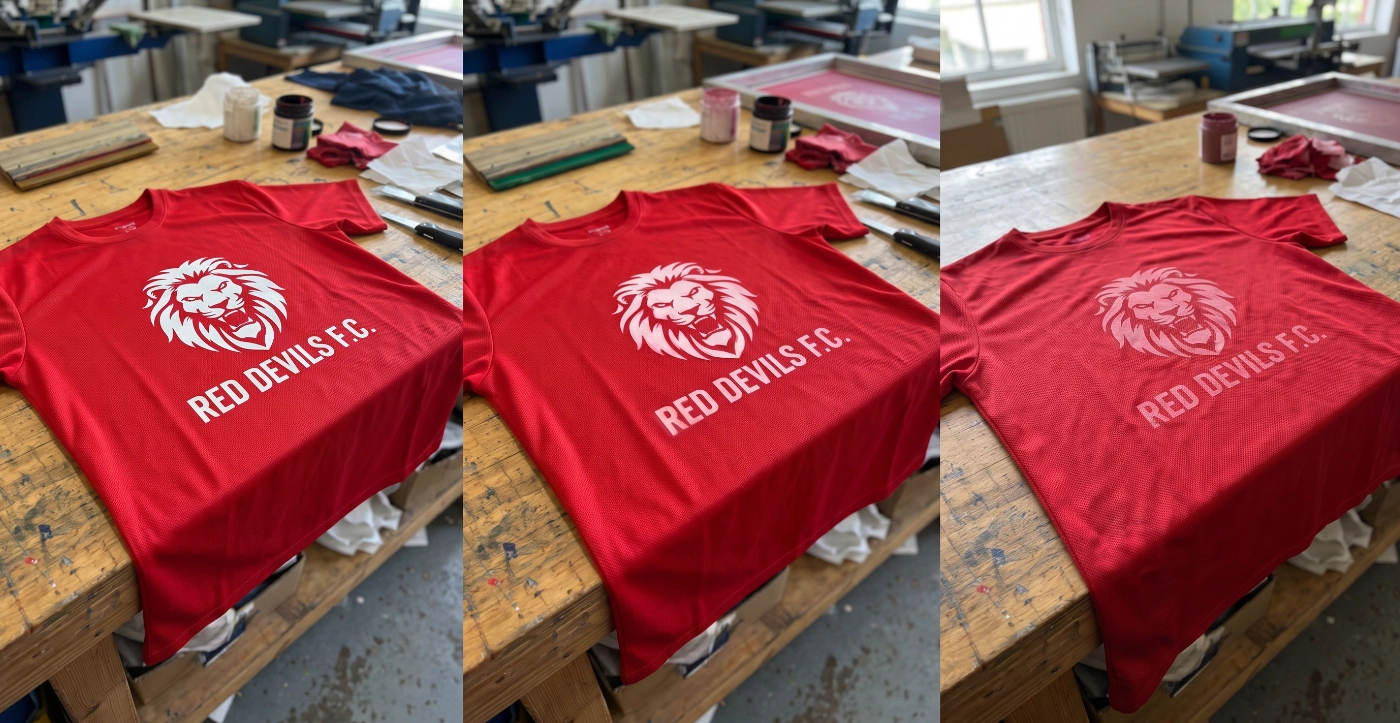
If You Love Custom T-Shirts, You Need to Know About Polyester and DTF Printing
If you enjoy creating event shirts, running shirts, sports shirts, or organizational uniforms, you are likely familiar with polyester fabric. This type of fabric is known for its breathability, quick drying, and resistance to wrinkling. When combined with DTF (Direct to Film) printing technology, which offers sharp and vibrant prints, it results in beautiful and functional garments.
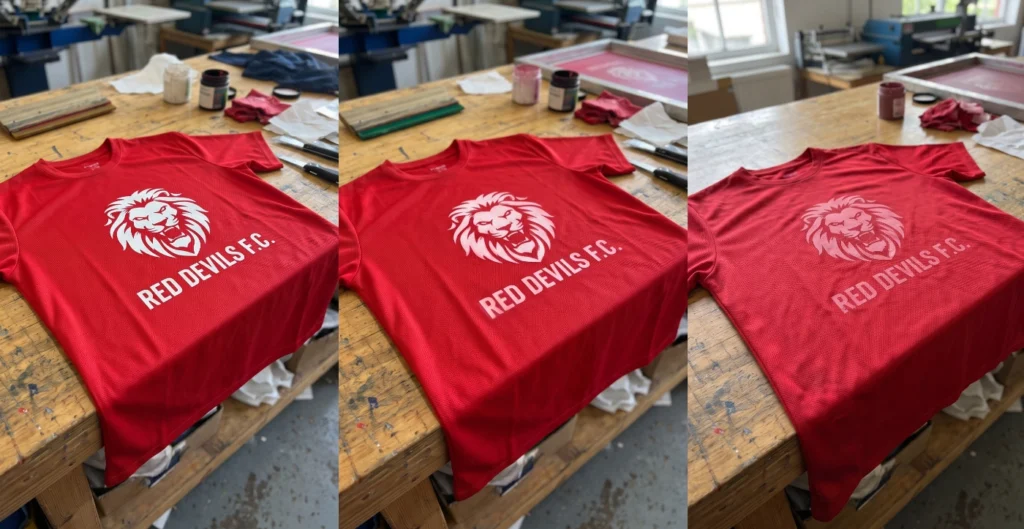
However, for screen printing shops or frequent customers, you might have encountered the nightmare known as “color bleeding onto printed designs,” or dye migration. Imagine ordering a white logo printed on a red sports shirt, but after a few days, the white logo starts turning pink. Or, when printing on black shirts, the logo turns a dull gray. What causes this issue, and how can we prevent it? This article delves into the details.
Understanding Dye Migration: The Classic Fabric Printing Problem
Color bleeding onto printed designs (Dye Migration or Sublimation Migration) does not occur because the printed ink is fading but because the dye in the fabric itself seeps through to the printed design layer.
The production of colorful polyester fabrics (such as red, blue, or black) often uses disperse dyes, which have the special property of vaporizing into gas when exposed to high heat. When a DTF film is heat-pressed onto a polyester shirt, excessive heat can trigger the dye in the fabric fibers to vaporize and seep through the adhesive and white ink layers of the DTF, mixing with the top printed color and distorting the design.
4 Ways to Prevent Color Bleeding for DTF Printing on Polyester
Solving this issue requires expertise and the correct choice of materials by the screen printing shop. Here are the key techniques that professional screen printers use to tackle dye migration on polyester:
1. Using Anti-Migration Black Powder
This is the most crucial step in solving the problem for DTF systems. Typically, DTF printing uses white or clear hot-melt adhesive powder, but for dark polyester fabrics, professional shops use anti-migration powder, often black or gray hot-melt adhesive powder.
How it works: The black powder creates a barrier that prevents the dye gas from the fabric from seeping through to the printed ink layers, keeping the design vibrant and intact.
2. Strictly Control Temperature and Time
Heat is the trigger for dye vaporization. Therefore, setting the heat press machine accurately is crucial.
Lower the temperature: Instead of using high temperatures of 160°C - 170°C as with cotton, polyester printing should use temperatures between 135°C - 150°C (depending on the adhesive specifications) to minimize dye activation.
Adjust the time: When lowering the temperature, slightly increase the pressing time to ensure the adhesive melts and adheres properly to the fabric fibers without causing the shirt color to vaporize.
3. Use High-Opacity Premium White Ink
In DTF systems, white ink serves as a base layer. If the white ink is too thin or lacks pigment density, the shirt color can bleed through easily. High-quality screen printers opt for premium white ink with high opacity to ensure a solid base layer, reinforcing the barrier provided by the black powder.
4. Pre-Press Treatment to Remove Excess Moisture and Dye
Before placing the DTF film on the shirt, the printer should heat-press the shirt for about 5-10 seconds to remove moisture and excess dye, reducing the risk of color bleeding during the actual pressing process.
Customer Care Tips for Polyester Screen Printed Shirts

Even with the best anti-bleed materials, proper post-care is essential to extend the life of the printed design.
Wash with cool water: Avoid washing with warm or hot water, as heat can reactivate the fabric dye.
Turn the shirt inside out before washing: This reduces friction between the printed design and the washing machine.
Do not directly iron over the design: If ironing is necessary, iron from the inside or place a thin cloth over the design and use the lowest heat setting.
Ready to Print Custom DTF with Screen168 Bangkok?
Single pieces to bulk wholesale. Free artwork file check and instant online pricing 24/7.
🚀 View Sizes, Prices & Order Online→