
DTF Print Head Clogging: Symptoms and Basic Maintenance Tips
In an era where DTF T-Shirt Printing (Direct to Film) shops are increasingly popular, it’s undeniable that this technology meets the demands for vibrant colors, sharp prints, and the ability to produce without minimum order quantities. However, a classic problem that business owners and newcomers investing in printers often face is the “clogged print head” issue, especially when it comes to white ink (White Ink). If left unattended, this can disrupt printing processes, delay customer orders, and even lead to repair costs in the thousands. Today, we will explore the symptoms, causes, and maintenance methods to keep your DTF printer running smoothly.
Symptoms Indicating a Clogged DTF Print Head
Before a print head becomes completely clogged and unusable, there are early warning signs to look out for:
1. Color Banding
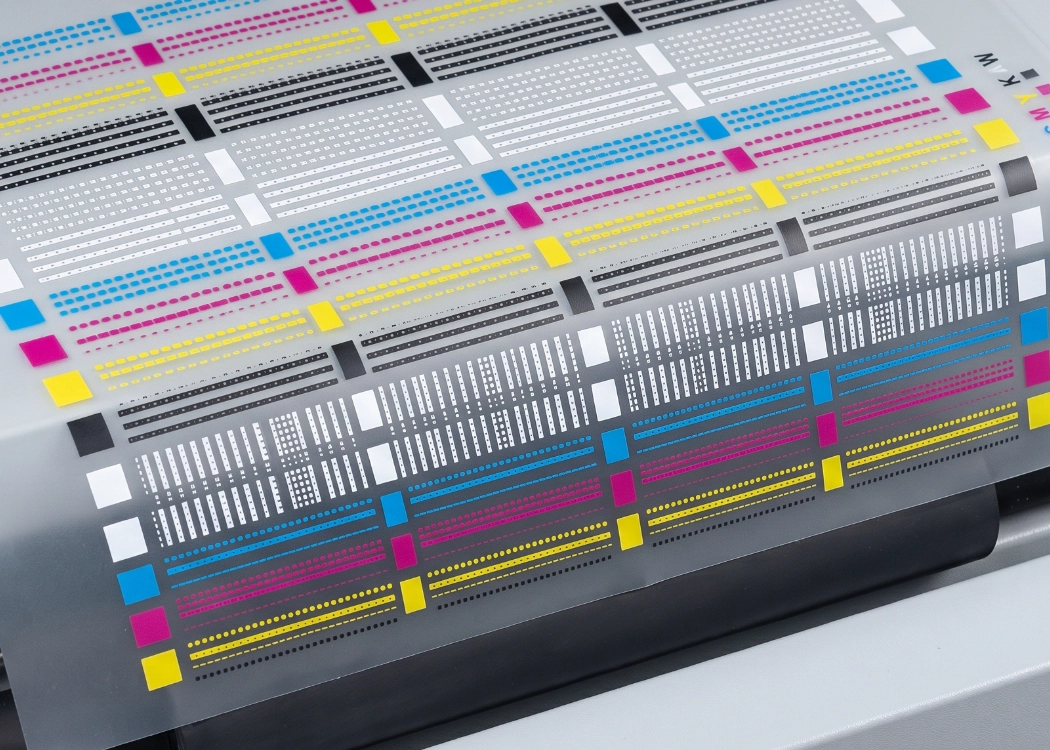
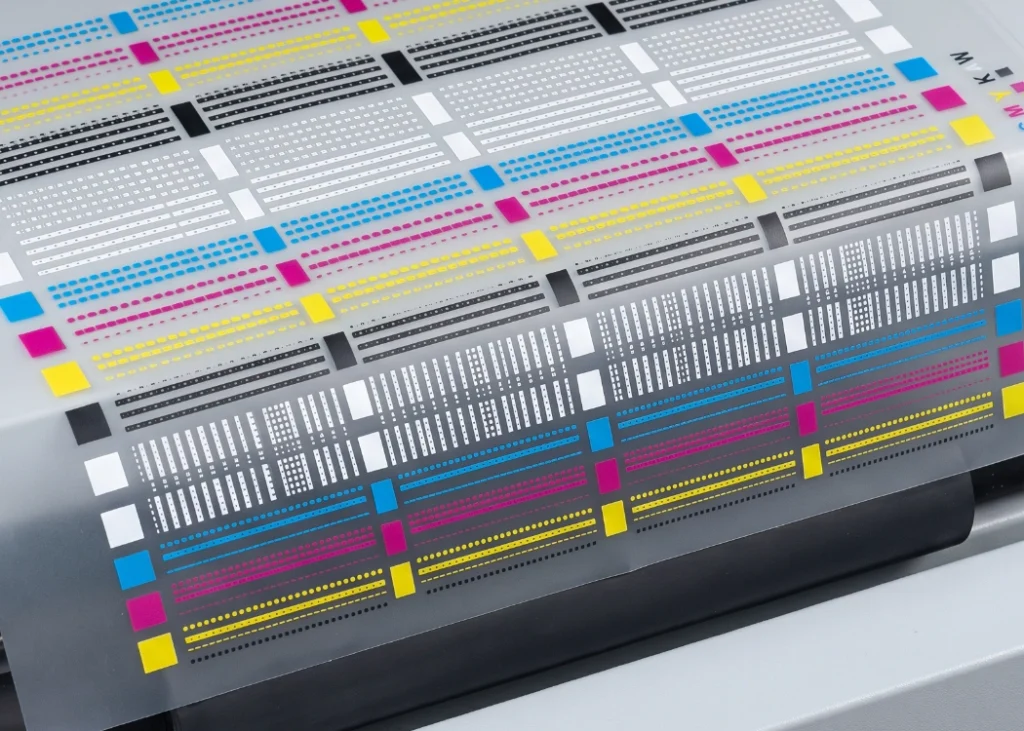
The most common initial symptom is when printing a nozzle check test sheet, and you notice missing lines or streaks across the image. This indicates that some nozzles are beginning to clog.
2. Inadequate White Ink Output
For DTF T-Shirt Printing shops, white ink is crucial as it serves as the base layer. If the white ink output is insufficient, when transferring the film to a heat press on dark or dark-colored garments, the print will appear dull and lack clarity, significantly reducing the print’s durability.
3. Ink Spots on the Film
Sometimes, a dirty print head or accumulated dust and dried ink around the head can cause ink spots on the film, leading to messy prints and wasted film.
Main Causes of DTF Printer Head Clogging
Nature of White Ink: White ink contains titanium dioxide, which is heavy and prone to settling. If the printer is left idle without use, the white ink can form clumps in the tubes and print head.
Leaving the Printer Idle: Prolonged periods without printing can cause the ink on the print head to dry out due to exposure to air.
Unsuitable Environment: High room temperature, extremely dry air, or excessive dust can accelerate ink drying and clogging.
Initial Solutions When a DTF Print Head is Clogged
Cleaning Through Software (Head Cleaning): If you notice missing lines, use the cleaning command in the printing software (repeat about 1-3 times) and then print a nozzle check to see if the lines are restored (do not over-clean as this can damage the print head).
Using Cleaning Solution: If cleaning through the software does not resolve the issue, use a specific DTF ink cleaning solution and drop it onto the capping (print head cushion). Move the print head to soak in the solution to dissolve hardened ink residues.
Tips for Maintaining the Print Head to Extend Its Lifespan
-
Shake the White Ink Tank Daily: Before starting daily printing, gently shake the white ink tank to prevent settling.
-
Daily Nozzle Check: Even on days without orders, run a nozzle check at least once a day to keep the ink flowing.
-
Control Temperature and Humidity: DTF printers work best in rooms with temperatures around 20-25°C and relative humidity between 40-60%. If the room is too dry, use a humidifier.
-
Maintain Ink Pump Station Cleanliness: Regularly clean the print head cushion and wiper blade with cleaning solution.
Proper maintenance of your printer not only reduces repair and maintenance costs but also ensures consistent and timely high-quality deliveries to customers. For those seeking professional printing services, partnering with a knowledgeable and detail-oriented provider like Screen168 ensures that whether it’s B2C or B2B bulk orders, the products will be of high quality, with soft, vibrant prints that do not fade and meet daily wear requirements.
Ready to Print Custom DTF with Screen168 Bangkok?
Single pieces to bulk wholesale. Free artwork file check and instant online pricing 24/7.
🚀 View Sizes, Prices & Order Online→