
Comprehensive Guide to DTG Printing Issues: Causes and Solutions
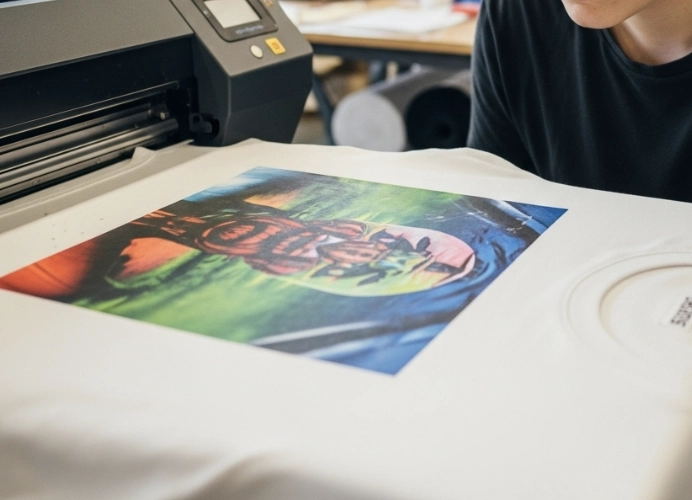
Direct-to-Garment (DTG) printing technology has revolutionized the textile printing industry with its ability to print complex and vibrant designs directly onto fabric, making it ideal for print-on-demand production and high-detail work.

DTG printing is one of the most popular printing technologies, known for its high resolution, ability to print intricate designs, and capacity for small batch production. However, despite its many advantages, many operators often encounter various DTG printing issues that can affect the quality, cost, and production time.
This article will delve into the most common DTG printing problems, analyze their causes, and provide step-by-step solutions to help you professionally control the quality of your production.
Understanding the Core of DTG: Key Factors Affecting Quality
Before diving into each issue, it’s important to understand that DTG print quality depends on three main factors that work together:
Pre-treatment: Applying pre-treatment chemicals is like priming a wall before painting, helping the white ink adhere to the fabric and ensuring that the color ink (CMYK) displays vividly.
Printing: The quality of the printer, printhead, ink, and file.
Curing: Using the appropriate heat and pressure to ensure the ink dries and bonds permanently with the fabric fibers.
If any of these factors are off, it can lead to various problems.
1. Faded Colors, Dull Prints, or Colors Less Vibrant Than Expected
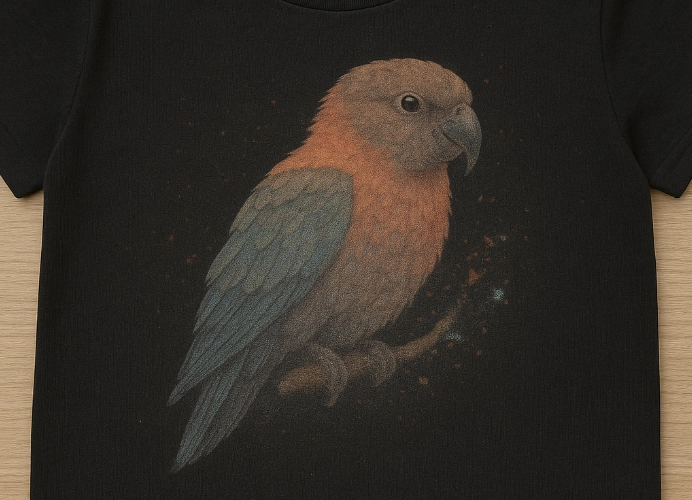
This is a classic problem that almost every DTG user encounters. The printed design comes out faded and not as vibrant as it appears on the computer screen.
Causes:
Inappropriate Pre-treatment Solution Application:
Too little: The ink may soak into the fabric too much, causing the colors to fade, especially on dark shirts.
Too much: It may cause residue or make the printed area stiff, and the colors may not be consistent.
Uneven application: Manual spraying with a fogger may result in inconsistent solution density, leading to uneven color adhesion in patches.
Incorrect Color Profile (ICC Profile): The software RIP (Raster Image Processor) controlling the printer has color settings that do not match the type of ink and fabric being used, leading to inappropriate printing values for the fabric.
Quality of the Fabric: Fabrics with a high polyester content do not absorb DTG ink as well as 100% cotton, resulting in less vibrant colors.
Low-Quality Original Files: Images with low resolution (less than 300 DPI) or using color modes other than RGB, which is the standard color mode for DTG printing.
Clogged Print Heads
Solutions:
Control Pre-treatment:
Use an automatic pre-treatment sprayer for consistency, spray evenly, and iron dry before printing.
If manual spraying is necessary, practice for smooth application and use a digital scale to weigh the shirts before and after spraying to control the amount of solution consistently.
Manage Color Profiles: Ensure you are using the correct ICC Profile for the type of fabric and ink you are using. If unsure, consult the printer supplier.
Choose Appropriate Fabric: For the best results, use 100% cotton or fabric with a high cotton content (80% or more).
Prepare Files Properly: Set file mode to RGB and ensure a minimum resolution of 300 DPI at the actual print size.
Adjust Print Settings to Match Fabric Type: Adjust ink volume or print head movement as needed, clean the print heads regularly, and perform nozzle checks before starting work.
2. Ink Not Adhering Properly, Screen Prints Peel Off/Flake After Washing
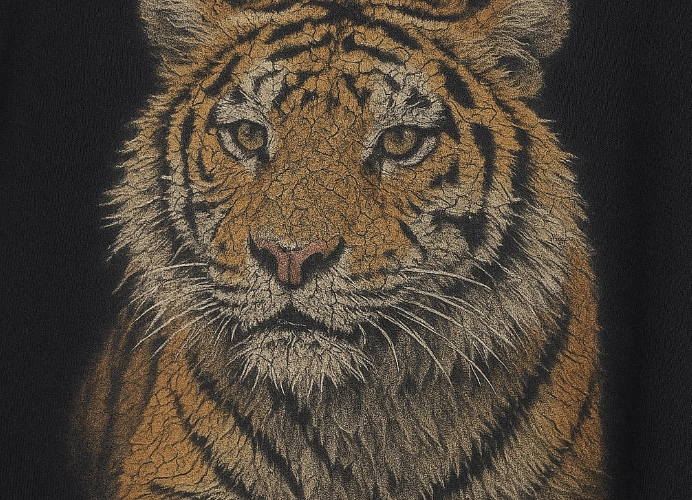
The prints look beautiful right after printing, but when the customer receives them and washes them just a couple of times, the prints start to peel off or crack, damaging the brand’s reputation.
Causes:
Incomplete Curing: This is the main cause of the problem. The heat is not reaching the temperature required for the ink to adhere properly.
Too Low Temperature: The ink is not “baked” to maturity and does not adhere to the fabric fibers.
Insufficient Time: Even if the temperature is correct, if the curing time is too short, the ink will not dry thoroughly to the deepest layer.
Inadequate Pressure: Insufficient pressure prevents the heat from reaching the fabric and ink evenly.
Insufficient Pre-treatment Chemical: Without a proper medium, the ink does not adhere well. Using the wrong pre-treatment formula.
Low-Quality Shirts: The shirts shrink or the fibers come loose after washing.
Solutions:
Set Up the Heat Press Correctly:
Temperature: Generally, for DTG ink, it should be around 160-175°C (may vary depending on the ink brand and fabric, refer to the manufacturer’s instructions).
Time: Approximately 60-90 seconds for light-colored shirts, and 90-120 seconds for dark shirts with white under-printing.
Pressure: Set the pressure to medium to firm.
Perform the “Stretch Test”: After curing and when the fabric is cool, gently stretch the printed area. If the print cracks or separates noticeably, the curing is incomplete.
Use Parchment Paper or Teflon Sheet: Always place these sheets over the print before curing to prevent the ink from sticking to the heating surface and to improve heat distribution.
Choose Pre-shrunk or Washed Shirts: Select shirts that have already been pre-shrunk or washed to prevent shrinking.
3. Blurry Print Quality, Unsharp Edges
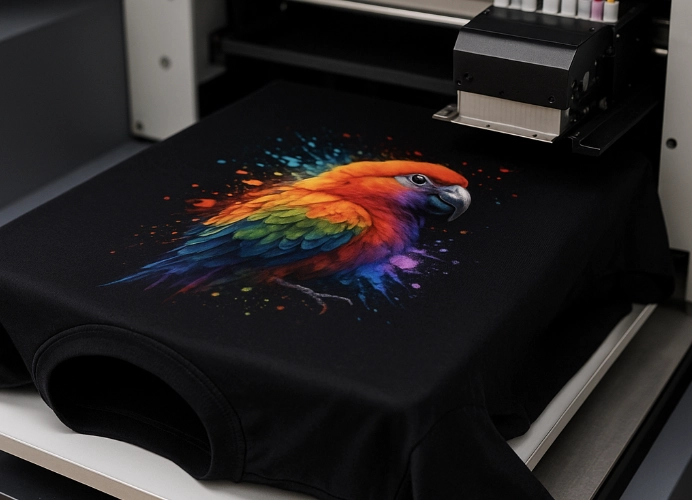
Details of the print are lost, or the edges of the print look fuzzy and unsharp.
Causes:
Excessive distance between the print head and the fabric (Platen Height): This causes the ink droplets to spread in the air before reaching the fabric, resulting in a blurry image.
Uneven fabric: Wrinkles or loose fabric on the printing frame (Platen) cause inconsistent distances between the print head and the fabric, leading to uneven printing surfaces such as fuzzy or thick fabrics.
High moisture content in the fabric: Moist fabric causes ink to spread sideways (bleeding).
Low DPI settings.
Solutions:
Adjust the printing frame: Set the platen height as close to the print head as possible without causing friction.
Prepare the fabric properly: Use a Heat Press to iron out wrinkles and moisture from the fabric for about 5-10 seconds before placing it on the platen. Ensure the fabric is tightly and evenly secured to the platen. Use smooth fabrics like combed cotton.
Control the environment: The printing room should maintain a relative humidity level of 40-60%.
Set the file resolution to at least 300 DPI and use PNG files with a transparent background.
4. Clogged Print Head, Uneven Lines or Bands of Color
The most troublesome and costly issue is a clogged print head, especially with white ink containing Titanium Dioxide, which tends to settle and harden easily.
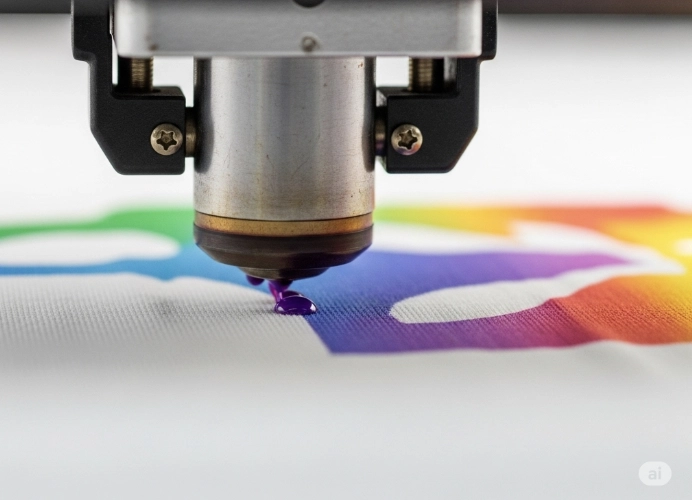
Causes:
Lack of maintenance: No regular cleaning of the print head and other parts of the printer.
Long periods of non-use: White ink starts to settle and clog the ink lines and print head.
Unsuitable environment: Excessively dry air (low humidity) and high temperatures can cause ink to dry in the print head.
Low ink levels or air bubbles in the ink system, dirty wiper/capping station.
Solutions:
Establish a maintenance routine:
Daily: Shake the white ink cartridge, print a nozzle check, and clean the print head if necessary.
Weekly: Clean the capping station, wiper blade, and the area around the print head with a specific cleaning solution.
Regularly use the printer: At the very least, turn on the printer and circulate the ink system daily.
Control the environment: Install a hygrometer in the workroom and try to maintain appropriate humidity and temperature levels as recommended by the manufacturer.
Keep ink levels above half the tank and remove air bubbles after refilling.
5. White Print Turns to Powder or Is Not Smooth
Causes:
- Inconsistent pre-treatment injection
- Sprayed pre-treatment but not ironed flat
- Excessive moisture in the shirt
Solutions:
- Ensure pre-treatment is evenly applied to the fabric
- Use a heat press to iron before printing
- Store shirts in a dry place or use a dehumidifier before printing
Summary: Prevention is better than cure
Most DTG printing issues stem from basic process errors and a lack of consistent maintenance. Investing time in understanding the workflow from file preparation, fabric preparation, printing, curing, to printer maintenance will significantly reduce annoying issues and costs associated with defective work.
While DTG printing is a convenient technology that yields beautiful results, it requires professional understanding and care. If you can control these factors well, your business can produce high-quality work and reduce long-term damage costs.
A DTG printer is a complex money-making tool that requires careful maintenance. Establishing standard operating procedures (SOPs) and adhering to them rigorously will be the key to achieving long-term success in professional screen printing.
Ready to Print Custom DTF with Screen168 Bangkok?
Single pieces to bulk wholesale. Free artwork file check and instant online pricing 24/7.
🚀 View Sizes, Prices & Order Online→