
Deep Dive into DTF Printer Workflow for Screen Printing Shops
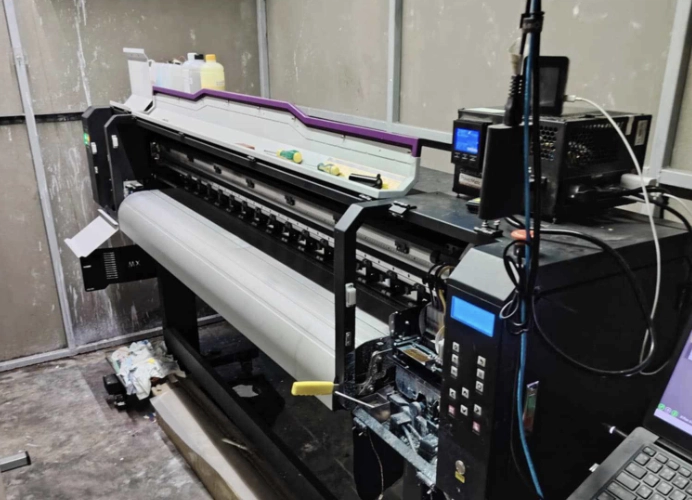
DTF T-Shirt Printing: The Key to Custom Apparel Success
In an era where custom apparel businesses are increasingly popular, DTF printers have become a primary tool for many screen printing shops. With features that allow printing on almost any fabric type, vibrant and sharp colors, and the ability to print intricate graphic designs, DTF printing can produce single pieces with ease. Machines range from small to large industrial models, making them a cost-effective and versatile solution for various screen printing businesses.

In this article, we will delve into the workings of DTF printing, from file preparation to heat pressing, providing tips for efficient use, and crucial maintenance techniques to keep your machine running smoothly.
Starting with the file, which is the heart of the printing process.
The DTF screen printing process begins with designing the print using popular graphic programs such as Adobe Photoshop or Illustrator, and saving it as a PNG or TIFF file with a transparent background. Ensure the background is transparent to avoid unwanted white ink prints. A minimum resolution of 300 DPI is recommended for clear prints on film.
Next, import the file into a RIP (Raster Image Processor) such as AcroRIP or MainTop, which converts the data to match the DTF printer’s printhead. Typically, the process involves printing the color layers (CMYK) followed by a white ink underbase layer to ensure clarity on dark fabrics. This eliminates concerns about color fading or blurring if the file and color settings are correct.
Printing on PET Film
Once prepared, the DTF printer sprays ink onto a PET film, a special coated transparent sheet that prevents ink bleeding and ensures precise printing. The film is designed to withstand heat for subsequent heat pressing onto fabric.
The printhead, often models like Epson i3200 or XP600, accurately sprays CMYK and white ink onto the film, matching the computer screen display. The machine’s heater system controls the temperature to dry the ink properly.
Maintaining the DTF Printer
To ensure your DTF printer operates efficiently and lasts long, regular maintenance is essential, particularly for the printhead and ink system. Neglecting these can lead to malfunctioning and increased repair costs.
Maintenance steps include:
- Daily ink spraying even when not printing
- Weekly printhead and ink line cleaning
- Monitoring humidity levels and keeping film free from dust and heat before use
- Avoid mixing ink brands to prevent chemical reactions
Proper maintenance ensures sharp prints, reduces repair costs, and minimizes printhead replacements.
Why Screen Printers Should Choose DTF?
Many screen printers transitioning from silk screen or DTG systems opt for DTF due to its advantages:
- Printing on various fabrics: cotton, polyester, TK, TC
- No minimum order: from one piece to thousands
- Vivid and clear colors, especially for graphic designs and gradient colors
- Precise production time management, ideal for handling multiple orders simultaneously
Tips for New DTF Users
- Start with a mid-range machine compatible with Epson XP600 printheads for the best value
- Maintain consistent room temperature
- Always have film and powder adhesive on hand for urgent orders
- Master RIP software to save ink in the long run
Conclusion
DTF printers revolutionize screen printing, offering flexibility in both the printing process and design creation. They are ideal for businesses looking to enhance quality and production speed, whether printing one shirt or handling large orders. If you’re seeking an easy-to-use, cost-effective, and high-quality printing solution, DTF printers are the answer for today’s screen printing industry.
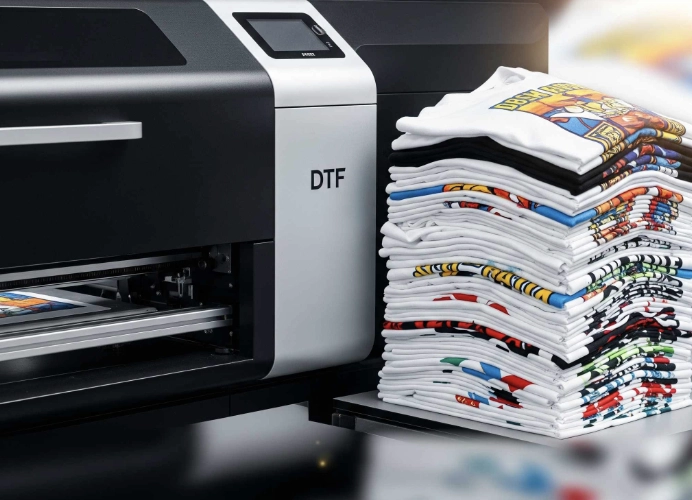
Ready to Print Custom DTF with Screen168 Bangkok?
Single pieces to bulk wholesale. Free artwork file check and instant online pricing 24/7.
🚀 View Sizes, Prices & Order Online→