
DTF Printing Technique: Knockout Background for Smooth Prints
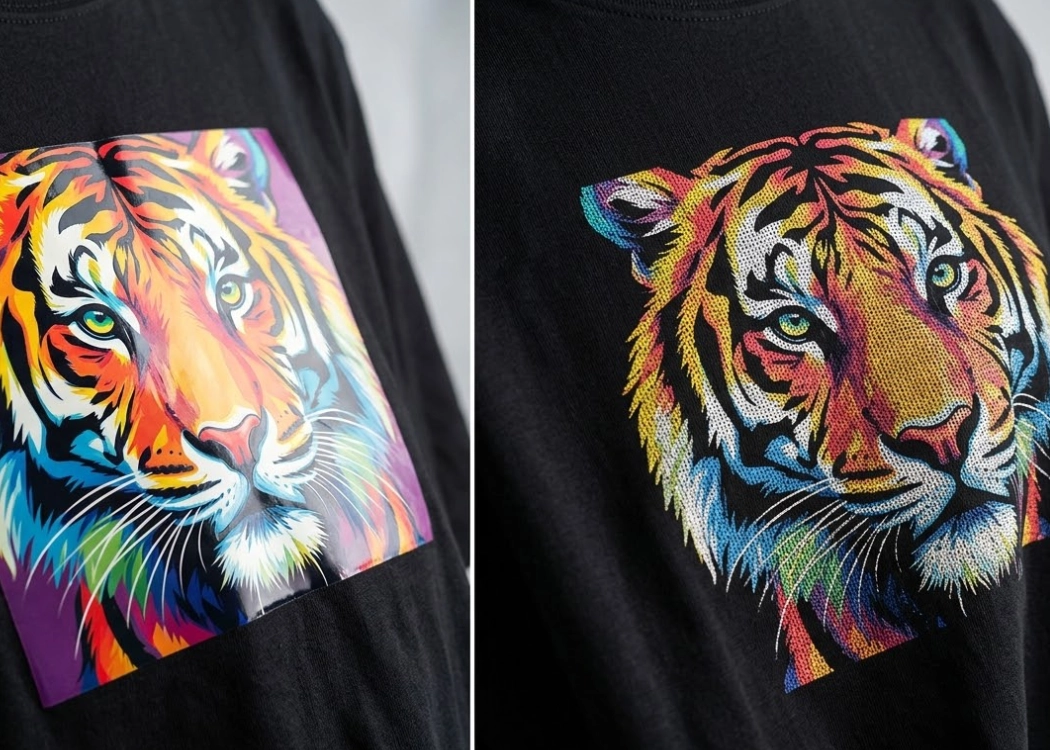
Understanding the Knockout Background Technique
The world of DTF (Direct to Film) T-Shirt Printing often faces issues such as thick, rubber-like prints that feel hot when worn or start to crack after repeated washing. These problems don’t always stem from the quality of the ink or printer but can be due to improper image file management. One technique that professional printers frequently use to address these issues is called the Knockout Background technique, or background cutting. This method not only makes the printed shirts softer and more comfortable to wear but also helps maximize ink usage.
Getting to Know the Knockout Background Technique
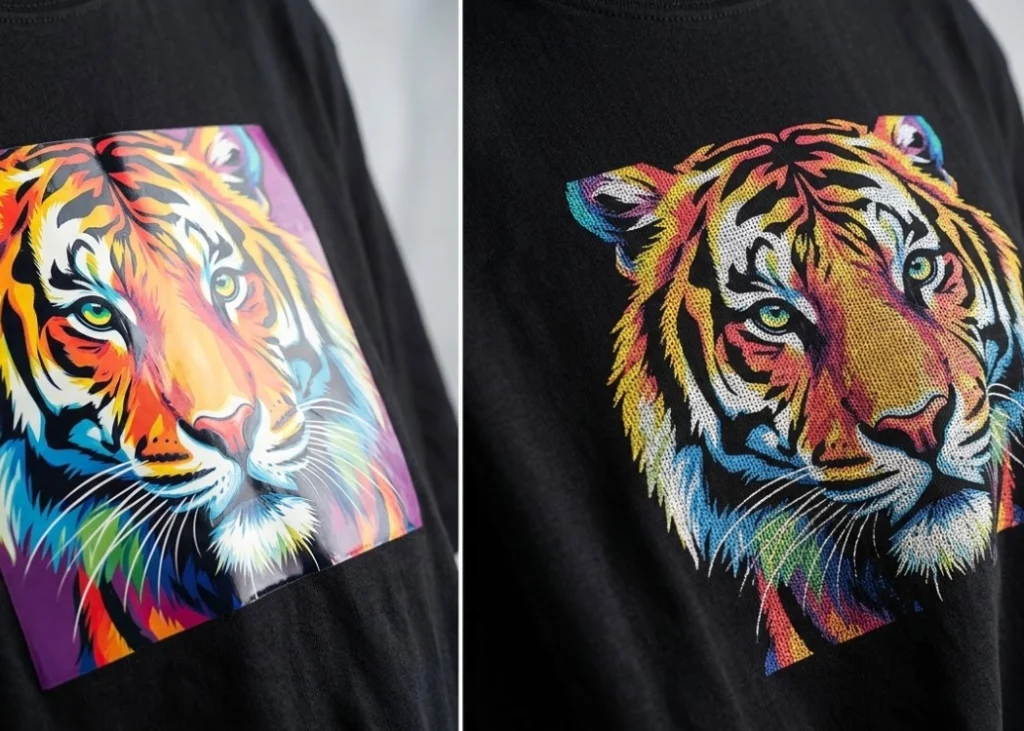
The Knockout Background technique involves removing certain colors from the print, particularly those that match the shirt’s color. For instance, if you are printing on a black shirt, instead of applying black ink over the entire area, you would cut out the background in the design, allowing the shirt’s fabric to serve as the black color. This approach ensures that the printed area has no ink or adhesive layer, making the print surface continuous with the fabric.
In DTF printing, the process starts with printing colored ink, followed by a white underbase to serve as a base for the adhesive. If you don’t cut out the background, the printer will layer colored ink and white ink over each other, creating a thick layer even in areas that are just background. Knockout effectively reduces the thickness of all ink layers efficiently.
Why This Technique Makes Shirts Softer and More Breathable
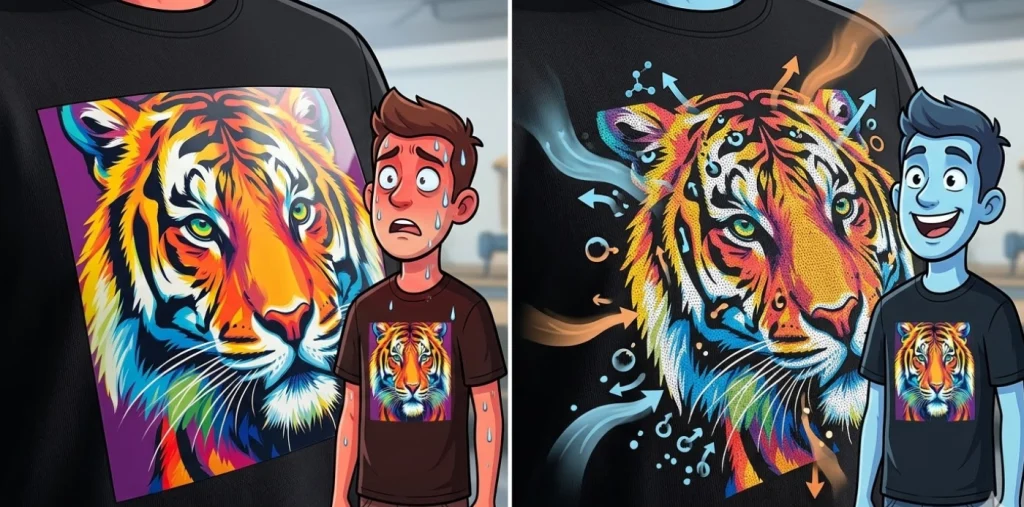
A major issue with large DTF prints is the sensation of a plastic sheet stuck to the chest, caused by thick layers of adhesive and ink that prevent air from passing through. When using the knockout technique, the areas cut out become numerous small openings aligned with the fabric fibers, increasing the shirt’s flexibility and preventing stiffness during movement.
In addition to softness, breathability is the most noticeable benefit. When the print area is not entirely covered by adhesive, body heat can escape through the small openings, making the wearer feel cooler and more comfortable compared to solid prints. This is ideal for everyday t-shirts or team shirts for outdoor activities.
The Secret to Deeper Black with Background Cutting
Many wonder how prints can look good without printing black ink. In reality, the fabric’s black color is often deeper and richer than inkjet black. By cutting out black areas in the design and letting the fabric’s black show through, the print appears more cohesive and deeper black, reducing the common issue of printed black coming out gray or not fully black in DTF prints.
This technique also effectively addresses the problem of white bleed, as there is less chance of white ink bleeding out of the edges when there is no black background over the white underbase in large areas. This results in sharper and more professional prints.
Preparing Knockout Files for Professionals
Preparing files for knockout can be done in Photoshop or directly through a RIP (Raster Image Processor). The main step involves using the color selection tool to accurately remove colors that match the shirt’s color.
For black shirts, select the black areas in the image and adjust the transparency to 0%. However, be cautious with shadows or gradient areas; removing black entirely might make the image look harsh. Graphic artists use halftone techniques to smooth out edges and shadows, ensuring the background cut looks natural and blends well with the fabric.
Limitations to Consider Before Using Background Cutting
While background cutting offers many benefits, there are limitations to be aware of. First, this technique works best with images that have clear color boundaries or backgrounds that match the shirt’s color. Complex images with varied colors and backgrounds that don’t match the shirt may lose their meaning when cut out.
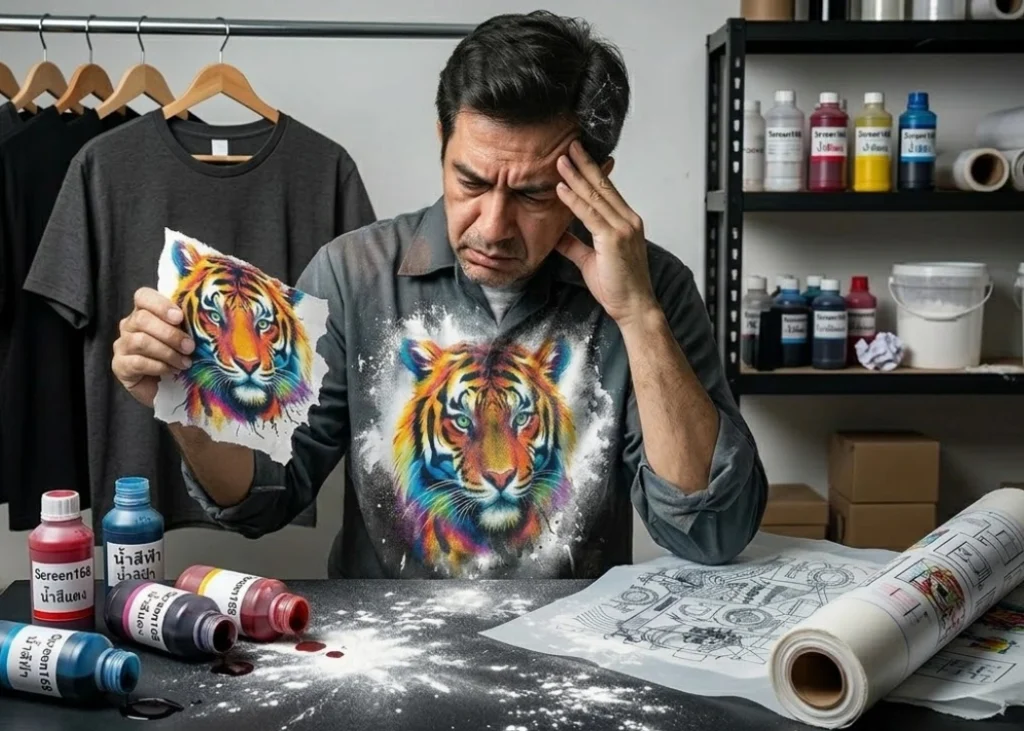
Second, the consistency of the shirt’s color is crucial. If you use shirts from different production batches with slightly different shades of black, using the fabric color as the background might result in variations in each shirt. Therefore, choosing high-quality shirts with consistent colors, as Screen168 does, is essential to maintain uniform standards.
Summary: Elevating Print Quality with Knockout Background
Using the Knockout Background technique elevates the quality of life for those wearing printed shirts. It transforms rigid, plastic-like prints into art that seamlessly blends with the fabric fibers, making the shirts softer, more comfortable, and more breathable.
Ready to Print Custom DTF with Screen168 Bangkok?
Single pieces to bulk wholesale. Free artwork file check and instant online pricing 24/7.
🚀 View Sizes, Prices & Order Online→