
Tips for Checking File Resolution for Large DTF Screen Printing - How to Avoid Blurry Prints
Oversized T-Shirt Print Trends and How to Achieve Sharp, Professional Results
The trend of oversized T-shirt prints, featuring large designs on the front and back of shirts, is currently very popular. However, both brand owners and customers often encounter issues when ordering large prints, such as blurry designs, jagged edges, or images that appear dull and lack clarity compared to what is seen on a computer screen. These problems primarily stem from the file resolution not being proportional to the actual print size. This article will guide you through the process of checking and preparing large files for sharp, professional prints.
Common Misunderstandings About File Size and Resolution
Many people believe that files with high MB sizes are always clear. However, in reality, file size refers to the amount of data, while resolution or DPI (Dots Per Inch) determines the density of color dots per inch. For DTF printing systems that use high-resolution printers like the i3200, the optimal resolution is 300 DPI at the actual print size.
If you want to print an A3-sized design (approximately 29.7 x 42 cm) but your file has a 300 DPI resolution at the size of an ID card, when scaled up, the color dot density will be stretched apart, resulting in pixelation. Therefore, the first rule is to always check the DPI at the actual print size.
How to Easily Check File Resolution with Photoshop
Before sending your work to a printing shop, you can check the resolution yourself using Photoshop. Go to the Image menu and select Image Size. Then, check if the Width and Height are in centimeters or inches according to the actual print size you need. Look at the Resolution field; if the size is correct but the resolution is below 150 to 200 DPI, your large-scale print will likely have pixelation issues.
The most accurate technique is to use the View command and select Actual Size in Photoshop to see the image at the actual print size. If you notice pixelation or blurriness at normal viewing distance on the screen, the same will appear on the printed shirt.
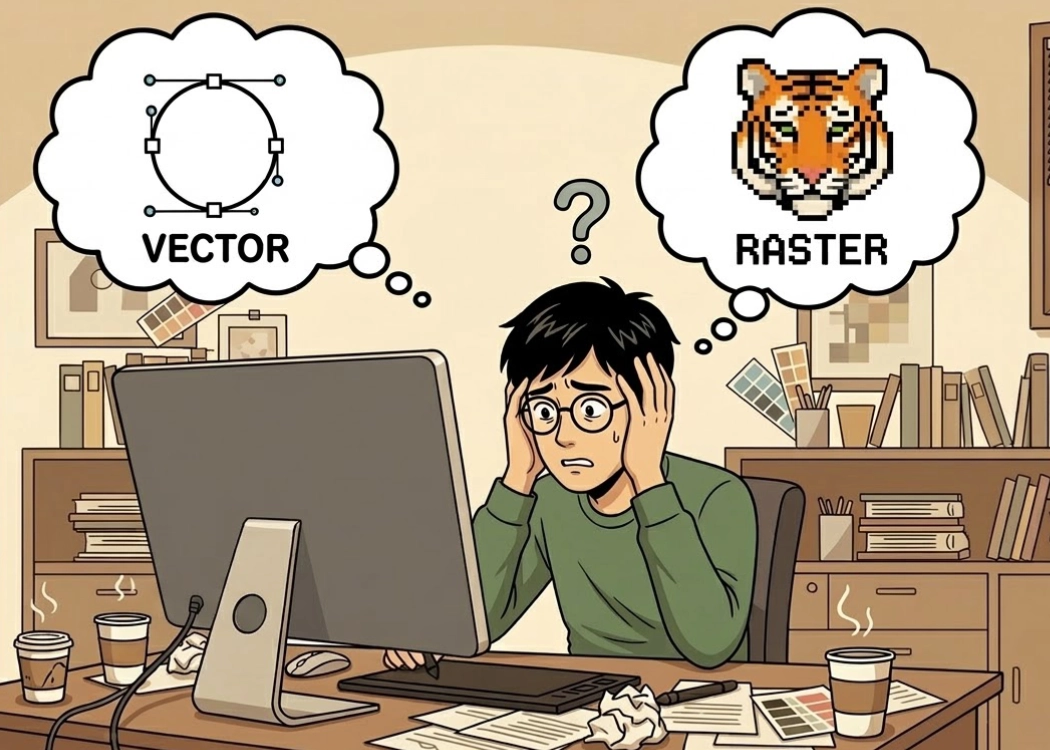
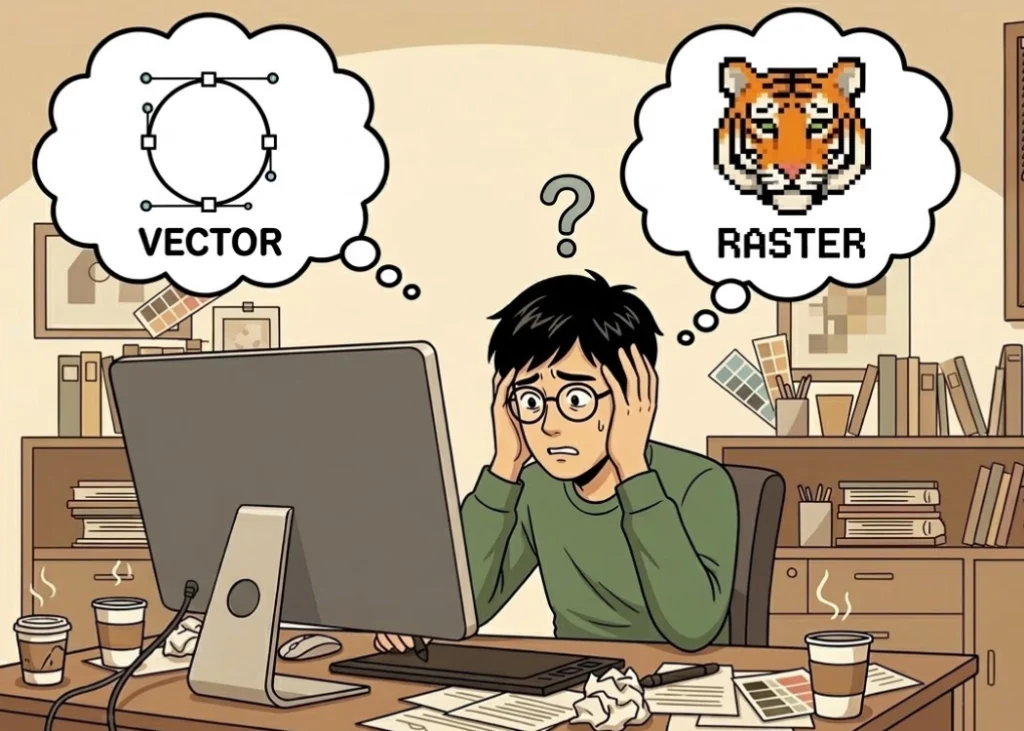
Vector vs. Raster: Choosing the Right File Type for Large Prints
For absolute certainty that the design will not pixelate no matter how much it is enlarged, using vector files (such as .AI files from Illustrator or vector .PDFs) is the best choice. These files are created using mathematical equations, ensuring sharp lines regardless of size.
For photo or complex gradient drawings (raster files such as .JPG or .PNG), you must maintain a resolution of at least 300 DPI. For large-scale prints viewed from a distance, such as special event T-shirts, a resolution of 150 to 200 DPI may be acceptable. However, for fashion T-shirts viewed up close, 300 DPI is the standard recommended by Screen168.
Limitations of PNG Files and Managing Images Downloaded from the Internet
A common issue is using images downloaded from the internet for large prints. Most web images are reduced to 72 DPI for faster loading. When these images are enlarged for DTF printing, the results are often worse than expected.
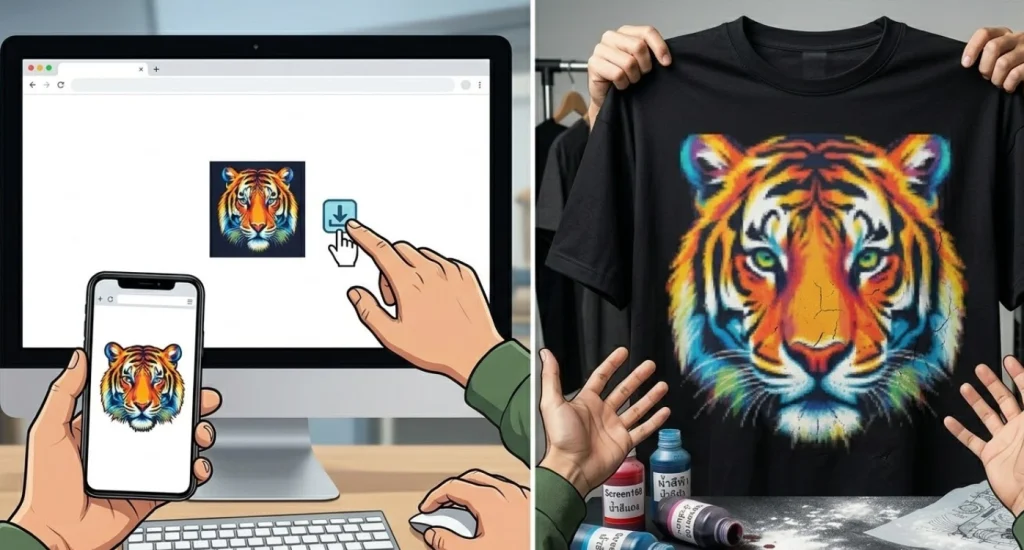
If you must use low-resolution images, AI upscaling technology can help increase resolution to some extent. However, using high-quality original files remains the best way to maintain image detail and accurate color.
Checking Image Edges and Transparency Before Printing
For large DTF prints, the edges of the image are where pixelation is most noticeable. If your PNG file has jagged edges or scattered pixels around the edges, the printer will spray white ink on these pixels, resulting in a messy look.
To fix this, zoom in to 200 to 300 percent to check the sharpness of the edges. If the edges appear blurry, use the Pen Tool to create a new outline for the image, ensuring the sharpest edges for large prints.
Optimizing Film Placement for Large Prints
Large prints require efficient use of wide film. Leave a small margin around the design for the printer to work comfortably, and ensure that the entire artwork canvas has consistent resolution.
Conclusion: Tips for Perfect Prints at Screen168
Achieving sharp large prints is not difficult if you prioritize actual print size and 300 DPI resolution from the design stage. Checking files in Actual Size mode and using vector files when possible will significantly reduce errors and enhance the value of your brand’s clothing.
Ready to Print Custom DTF with Screen168 Bangkok?
Single pieces to bulk wholesale. Free artwork file check and instant online pricing 24/7.
🚀 View Sizes, Prices & Order Online→