How to Create Halftone Dots for Dark T-Shirt DTF Printing (Free Online Tool & Guide)
📑 Table of Contents (Quick Jump)
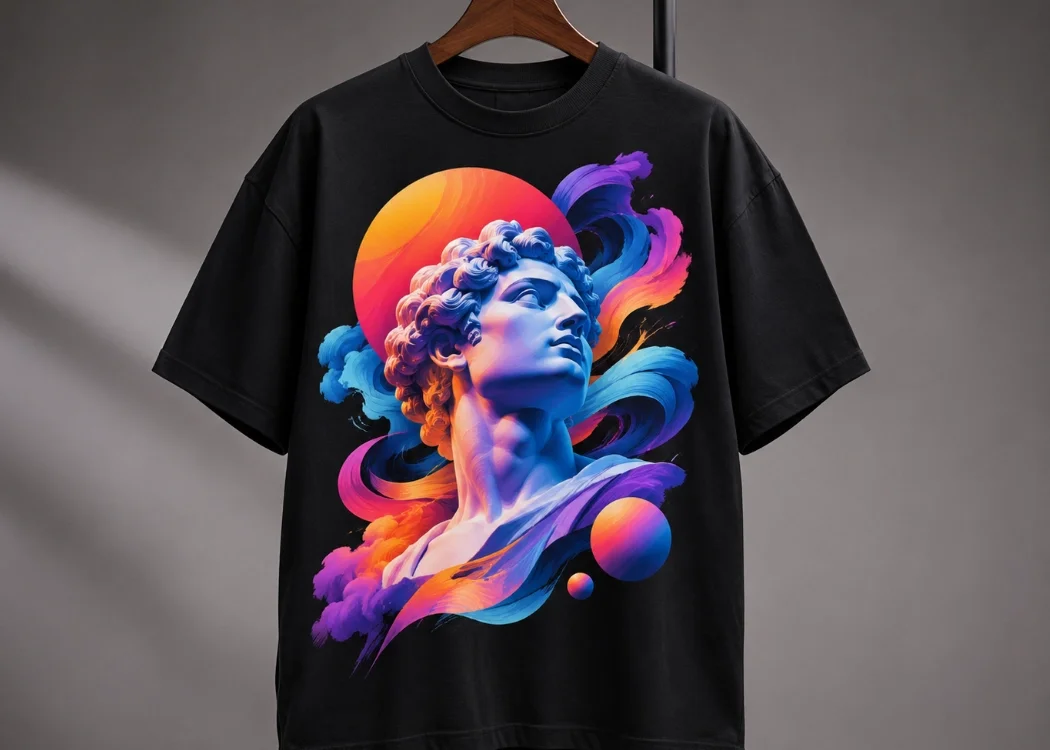
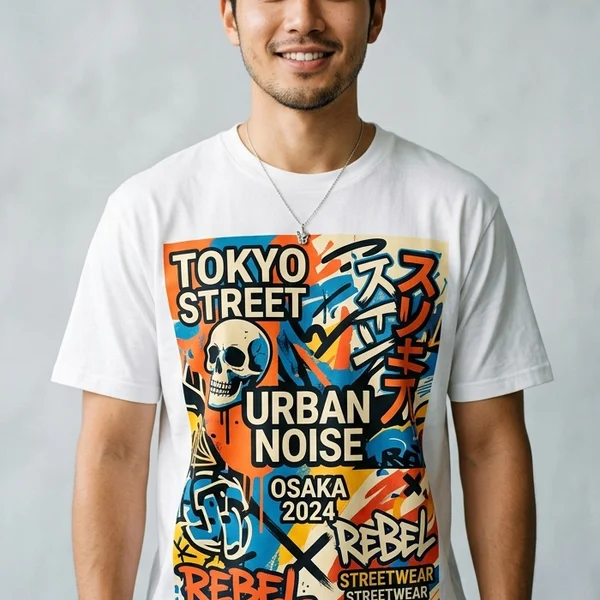
Printing large A3 graphics—such as Vintage 90s Bootleg shirts, concert tees, or glowing portraits—onto black t-shirts using DTF (Direct to Film) often leads to two common issues if printed as a solid layer: a heavy “plastic patch” feel on the chest and visible white underbase halos around soft gradients.
The industry-standard solution used by top streetwear brands and Screen168 Bangkok is Black Knockout Halftoning.
1. Three Advantages of Halftoning for DTF Transfers
- 45% Lighter Feel & Superior Breathability: Knocking out black areas lets the black cotton fabric serve as the shadow tone while leaving breathable spacing between ink dots.
- Zero White Ink Halos: Because DTF printers lay white ink beneath colored pixels, semi-transparent glows often expose white edges. Halftoning converts soft gradients into 100% opaque dots of varying sizes so white underbase registration stays razor-sharp.
- Stronger Hot-Melt Powder Adhesion: Using 28–36 LPI dots gives TPU adhesive powder optimal surface area to bond securely for 50+ machine washes.
2. Create DTF Halftones Online for Free (No Photoshop Required)
Use our Free Online Halftone Maker (/en/tools/halftone-maker) 24/7:
- Upload your PNG, JPG, or WebP artwork.
- Select “For Black / Dark Shirt” preset to automatically knock out dark tones.
- Set Frequency to 28–36 LPI and choose Soft Round or Classic Diamond dot shape.
- Download your 300 DPI transparent PNG with zero watermark!
Ready to Print Custom DTF with Screen168 Bangkok?
Single pieces to bulk wholesale. Free artwork file check and instant online pricing 24/7.
🚀 View Sizes, Prices & Order Online→